
In the world of customer interactions, extracting critical information from conversations is crucial for efficient post-call work. Convin's Entity Recognition (NER) technology helps streamline this process by identifying and extracting key entities from customer interactions.
Entities refer to specific pieces of information extracted from customer interactions, such as names, dates, locations, and more.
Why are Entities critical?
To understand the context and content of the conversation.
To reduce the time spent on post-call tasks.
To improve overall productivity.
Where are Entities Located on Calls?
Entities are typically located on the "Stats" tab of the conversations page. To view the entities for a specific conversation, follow these steps:
Navigate to the conversations page.

Open the desired conversation.
Locate the "Stats" tab on the right-hand side of the screen.

Under the "Stats" tab, locate the Entity Card.
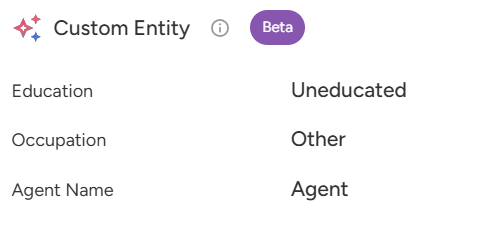
For instance, in a travel booking company, entities might include information such as travel dates, destinations, and modes of transportation.

Similarly, in a real estate firm, entities might include details about properties, such as addresses, prices, and amenities.

📩 Still need help? Contact our support team at [email protected] —we’re happy to assist!
Good day!