
The Activity Log in Convin helps users and admins track all key actions performed across the platform, such as call reviews, feedback submissions, role changes, and more, all in one centralized place.
To access the "Activity Log" option, follow the steps mentioned below:
- After logging into the Convin Dashboard, users will see their first name initial displayed inside a circular button in the top-right corner.

- Click on the profile icon to open a drop-down menu with Three options: "My Profile" "Activity Log" and "Logout".
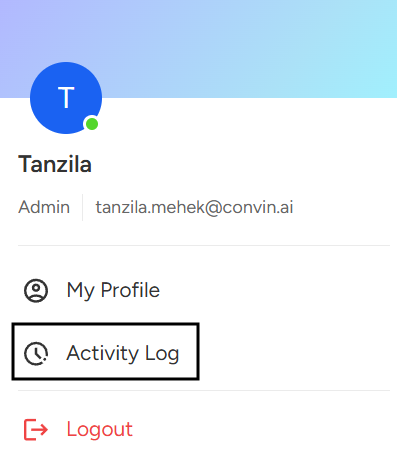
- Select "Activity Log" to proceed.
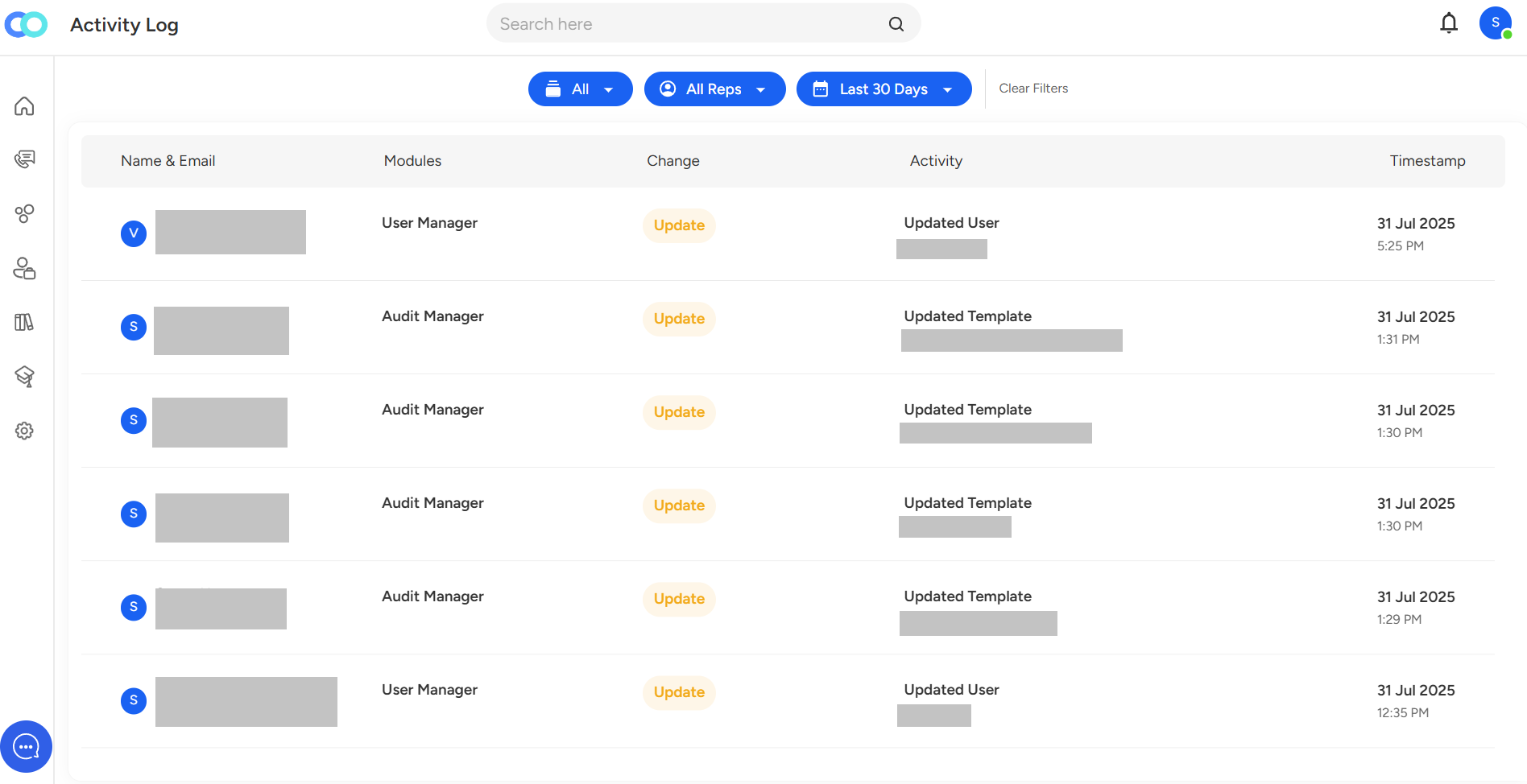
You can efficiently filter records using options such as Module, Reps, and Created Date. These filters help narrow down specific actions or users, making it easier to track and review relevant activities.Need Additional Assistance
📩 Still need help? Contact our support team at [email protected] —we’re happy to assist!Good day!