
The Learning Management System (LMS) in Convin serves as a centralized knowledge hub, allowing users to upload, manage, and organize a variety of training materials such as PDFs, videos, and documents. These resources can be seamlessly assigned to contact center agents during coaching or assessments to enhance learning outcomes and drive performance improvement.
Steps to Upload Files on LMS:
- Navigate to LMS Page.

- In the "Knowledge Base" tab, open an existing folder in which you want to add the document.
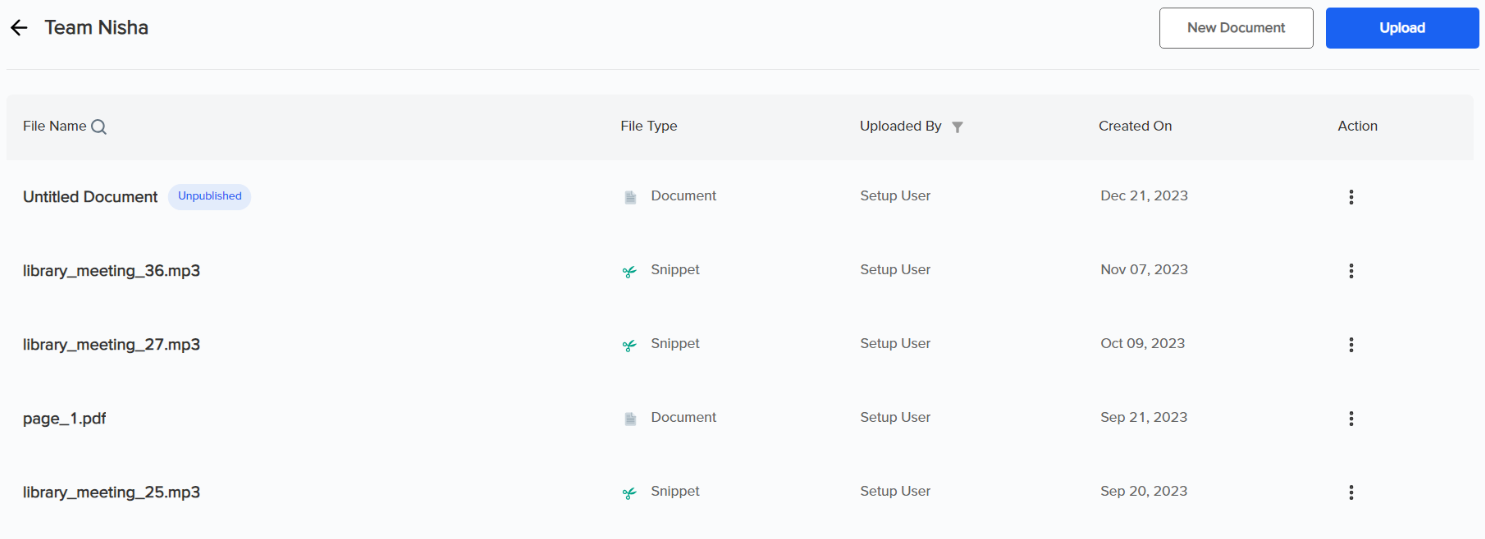
Once you open a folder, you will see an intuitive list view of the knowledge base. In addition to the resources, columns indicating the upload date, uploader's name, and file types enhance navigation and accessibility. - To upload an existing file from your system, use the "Upload" button.

- Select the file to upload.
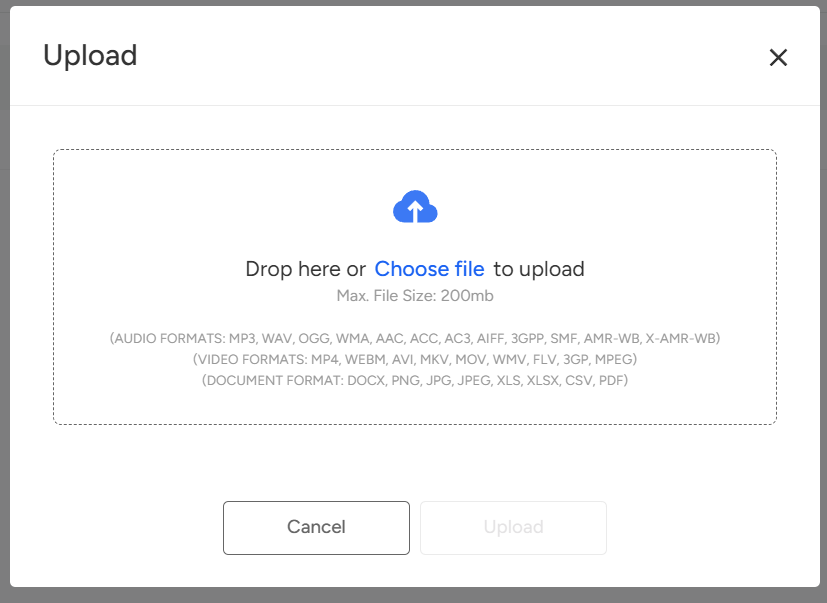
- After a successful load, click the "Upload" button.
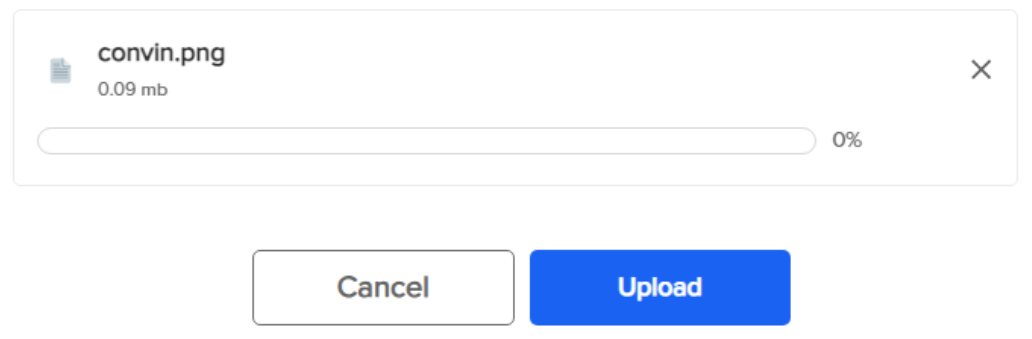
You can now easily access and view all the documents within the designated folder.
Need Additional Assistance?
📩 Still need help? Contact our support team at [email protected] —we’re happy to assist!
Good day!