
Categories in the Audit Manager allow you to group related parameters and structure your audit forms. If your auditing requirements change, you can edit categories to rename them, update details, or adjust their organization without creating new categories from scratch.
Steps to Edit a Category:
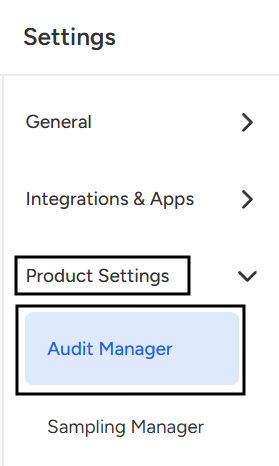
- Navigate to the Settings page.

- Select Audit Manager under Product settings.
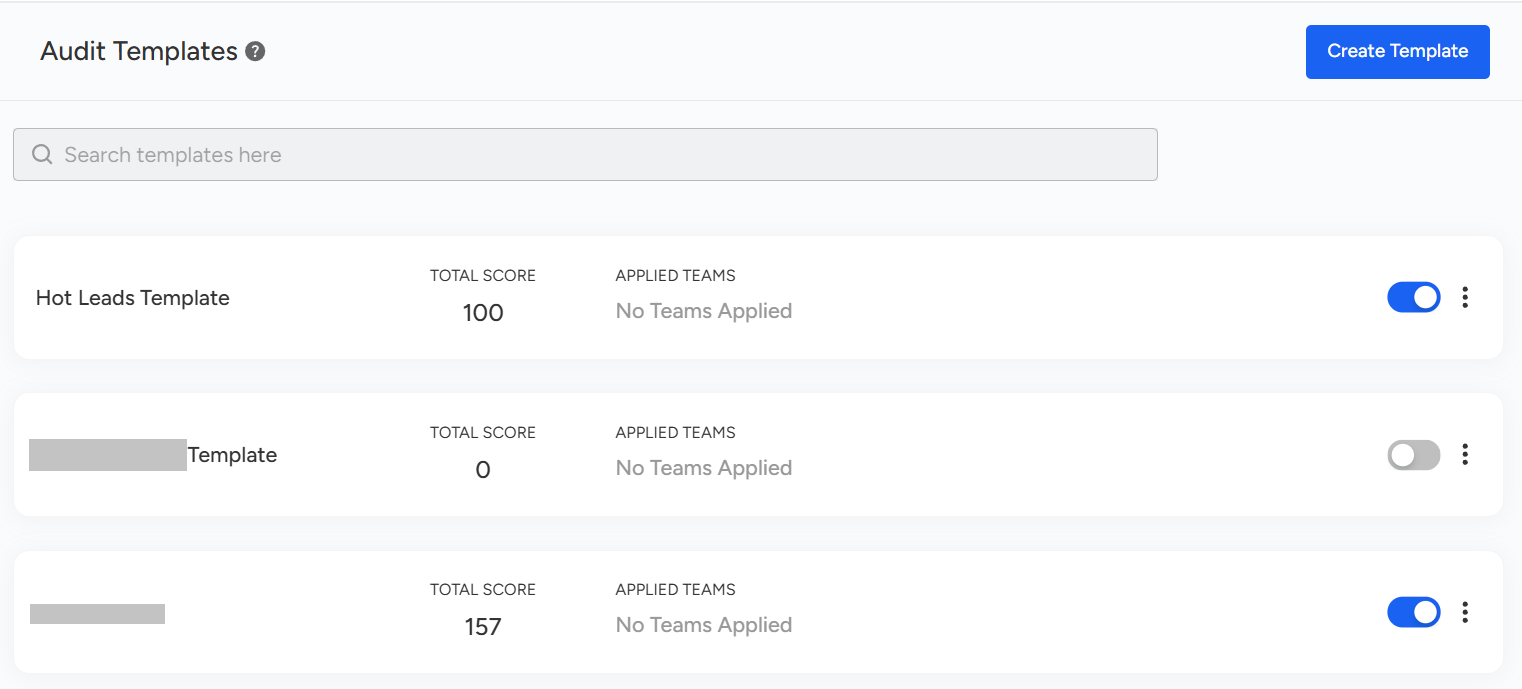
- Select a Template: Select or click on the template under which the particular category is located.
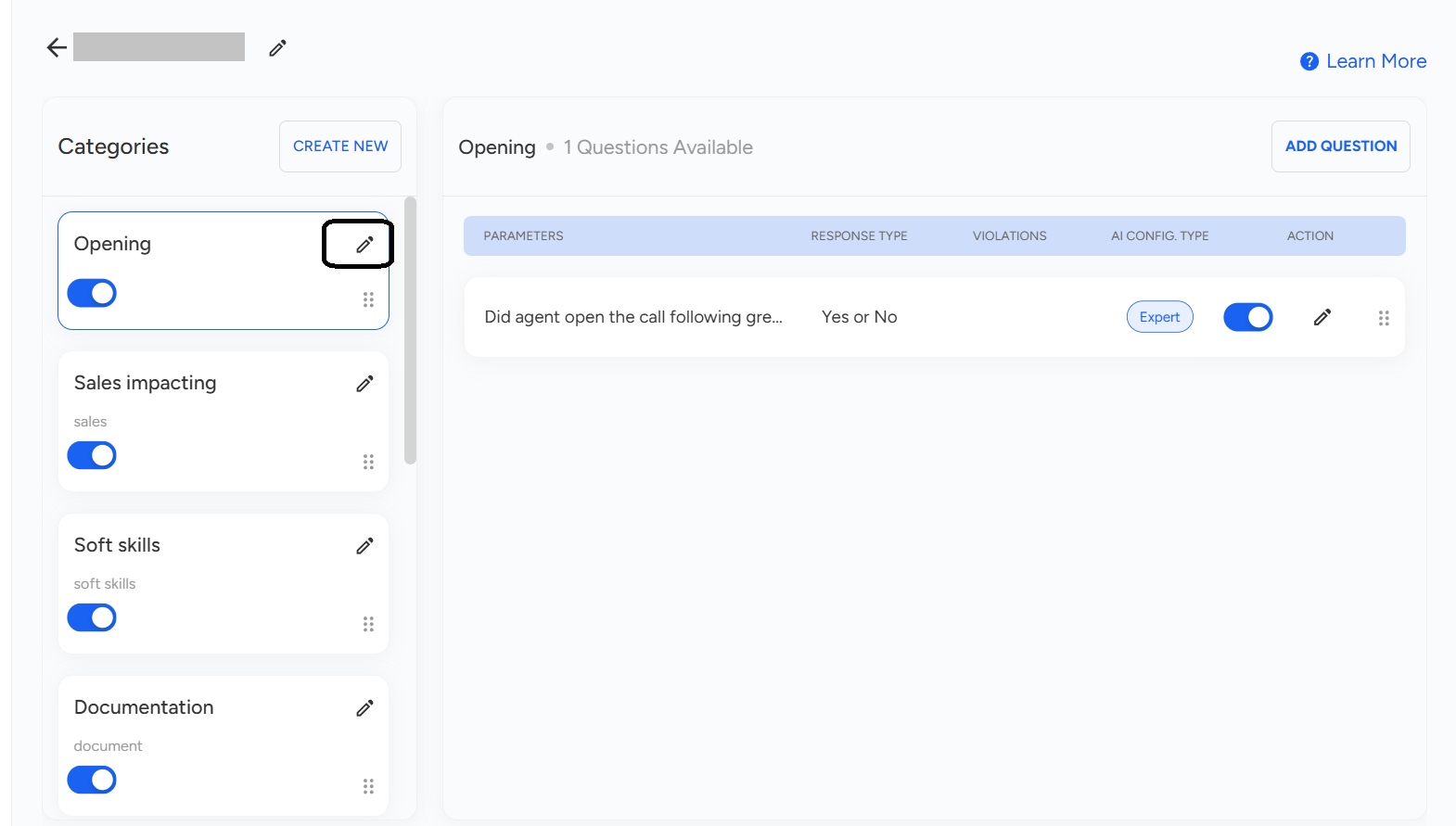
- Once you open the selected template, an overview will appear under Categories. Simply click the pencil (✏️) icon next to the particular or desired category to edit it.
- After selecting the desired category, its overview will appear. Here, you can edit the Category Name or Description as required. Finally, click Update Category to save changes.

📩 Still need help? Contact our support team at [email protected] —we’re happy to assist!
Good day!