
The Audit Manager allows you to manage audit templates, categories, and questions. If your auditing process changes or you want to refine an evaluation parameter, you can edit questions directly instead of creating new ones—making it easier to keep your templates updated.
Steps to Edit Questions:
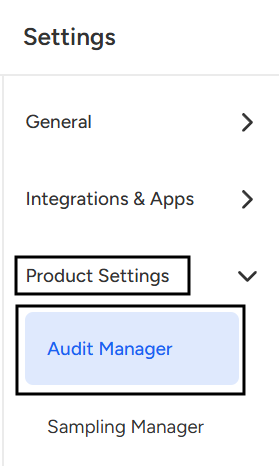
- Navigate to Setting page.

- Select Audit Manager under Product settings.
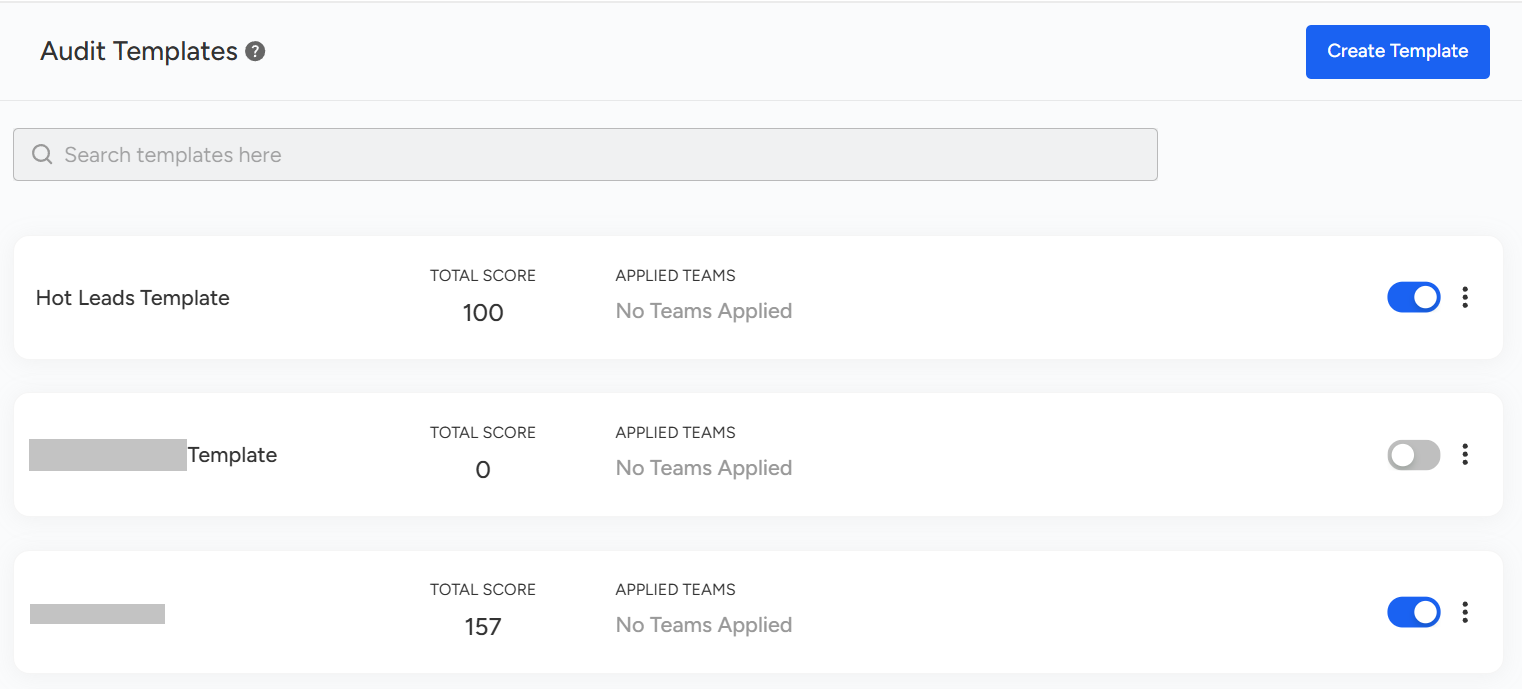
- Select a Template: Select or click on the template under which the particular Question is located.
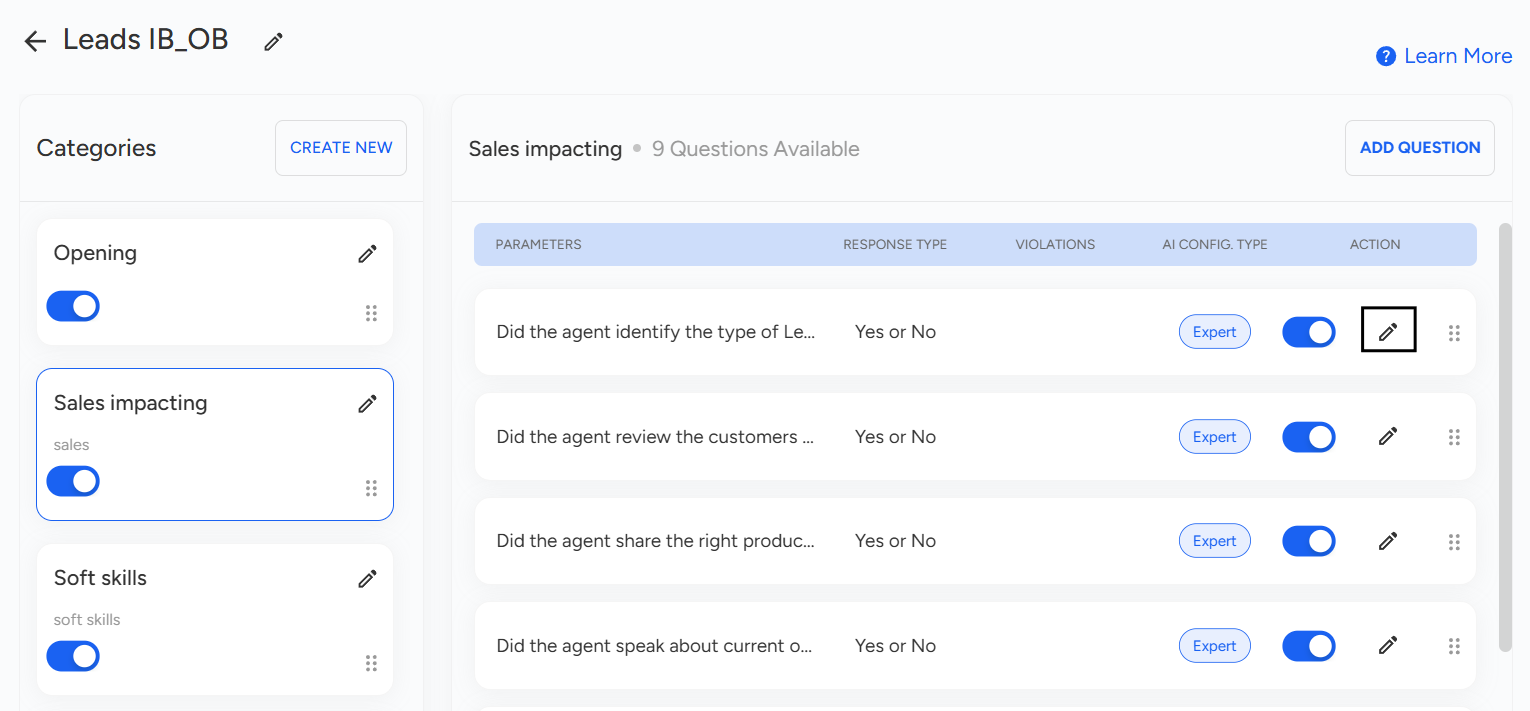
- Under the selected category, you will see a list of questions. Click the pencil (✏️) icon next to the desired question.
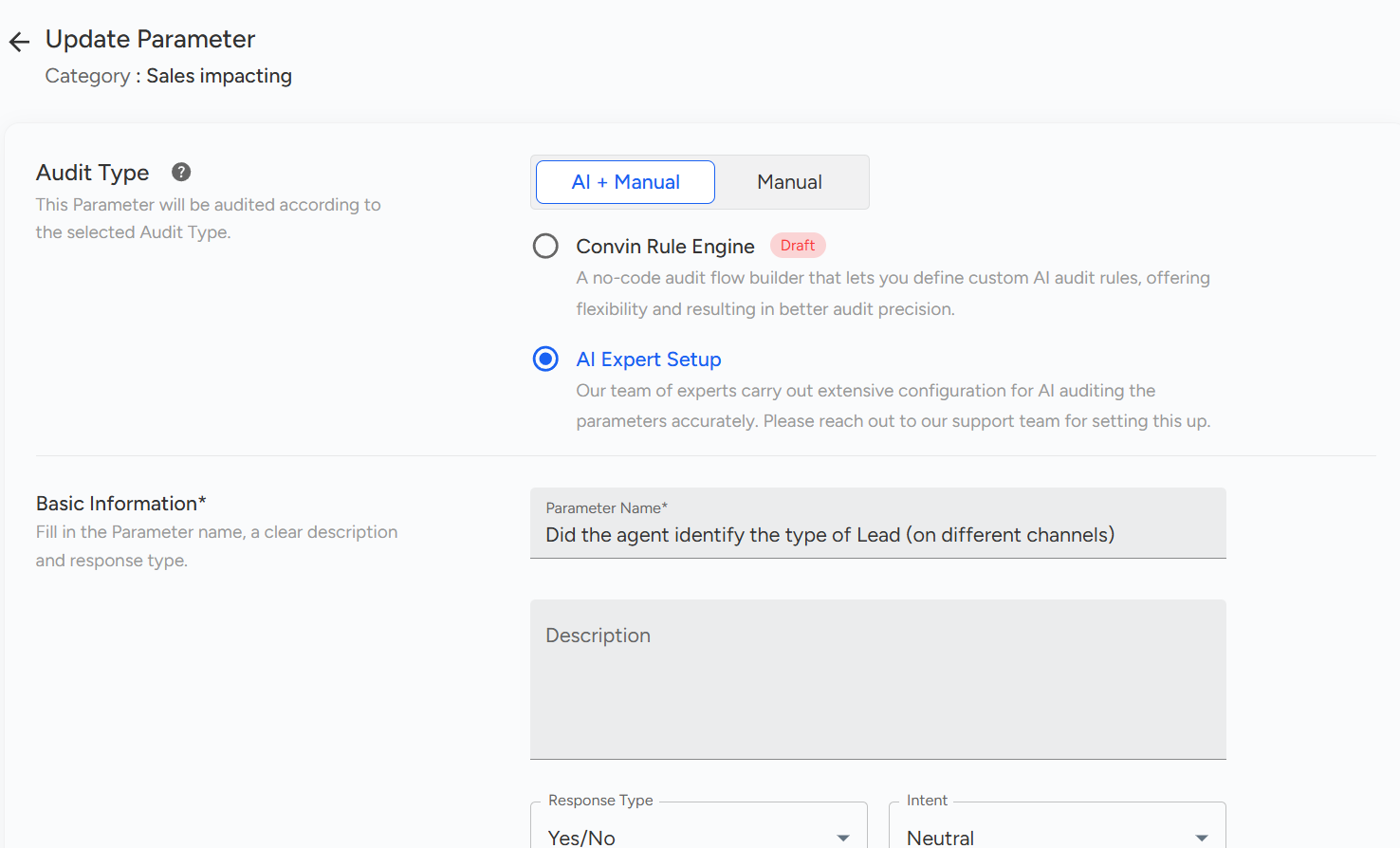
- An edit view will open, where you can modify the question text, including the parameter name, description, or scoring options (depending on the template setup).
- Once you are done with every change or edit, click on Update Parameter to save the updated question.
📩 Still need help? Contact our support team at [email protected] —we’re happy to assist!
Good day!