
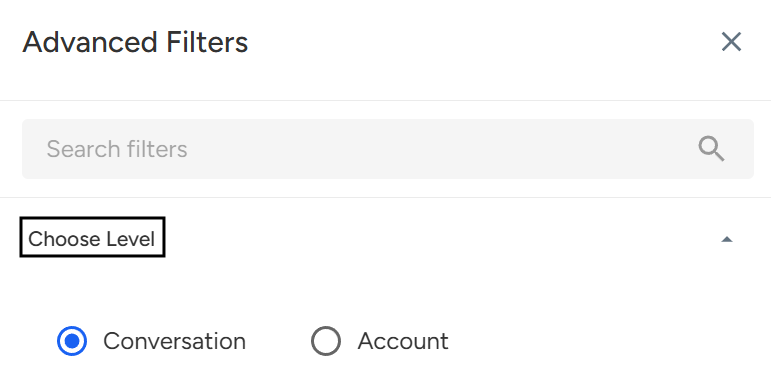
The Choose Level filter in Convin allows you to switch between data views based on Conversation Level or Account Level, enabling more focused analysis and insights on the Overall Dashboard and other analytics sections.
Steps to Choose Level:
- Navigate to Home.

- Locate Advanced Filters.

- Select Choose Level and Pick Your Desired Level.
- Then Click on Apply filters.
Conversation Level: Displays metrics and data at an individual conversation level, useful for analyzing specific calls and interactions.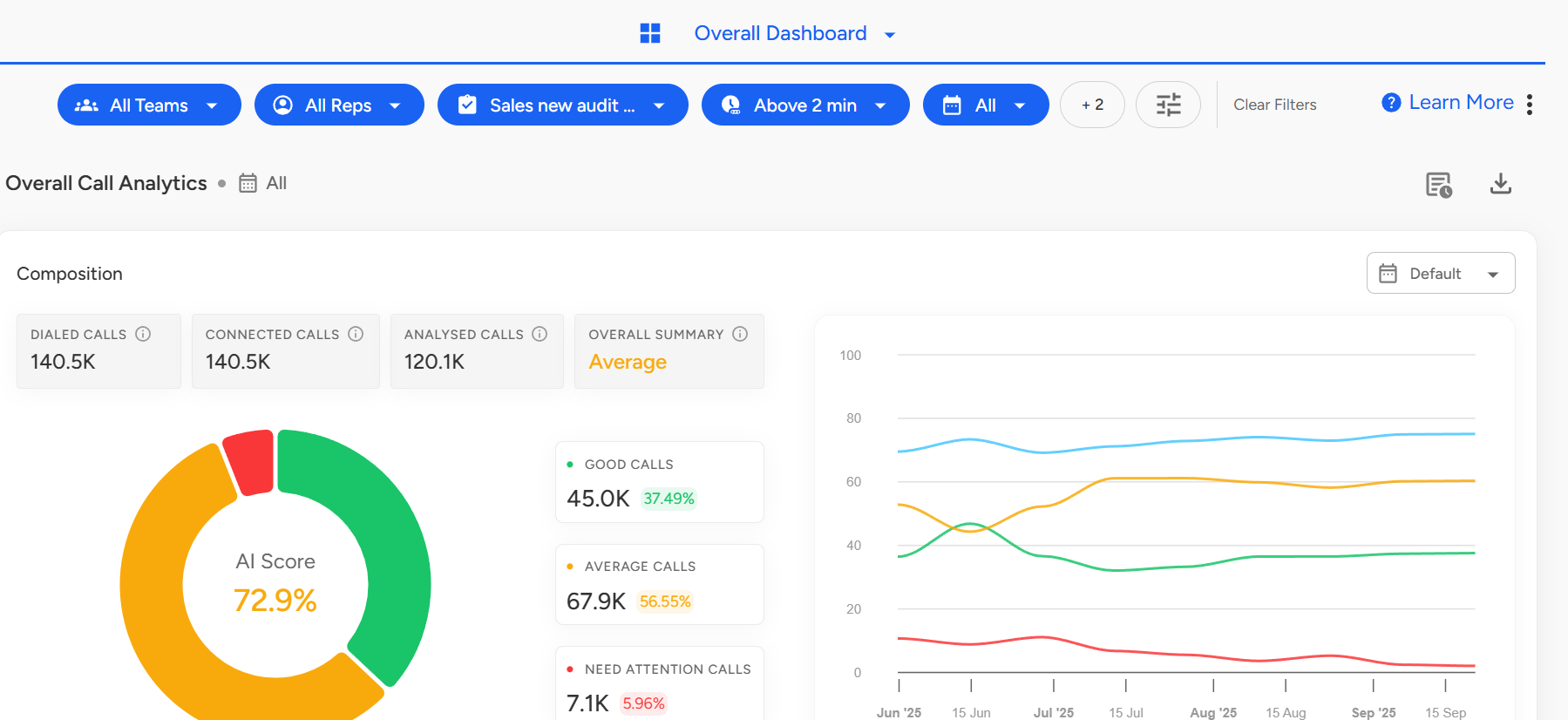
Account Level: Displays metrics aggregated by account, giving you a higher-level view of account performance and trends.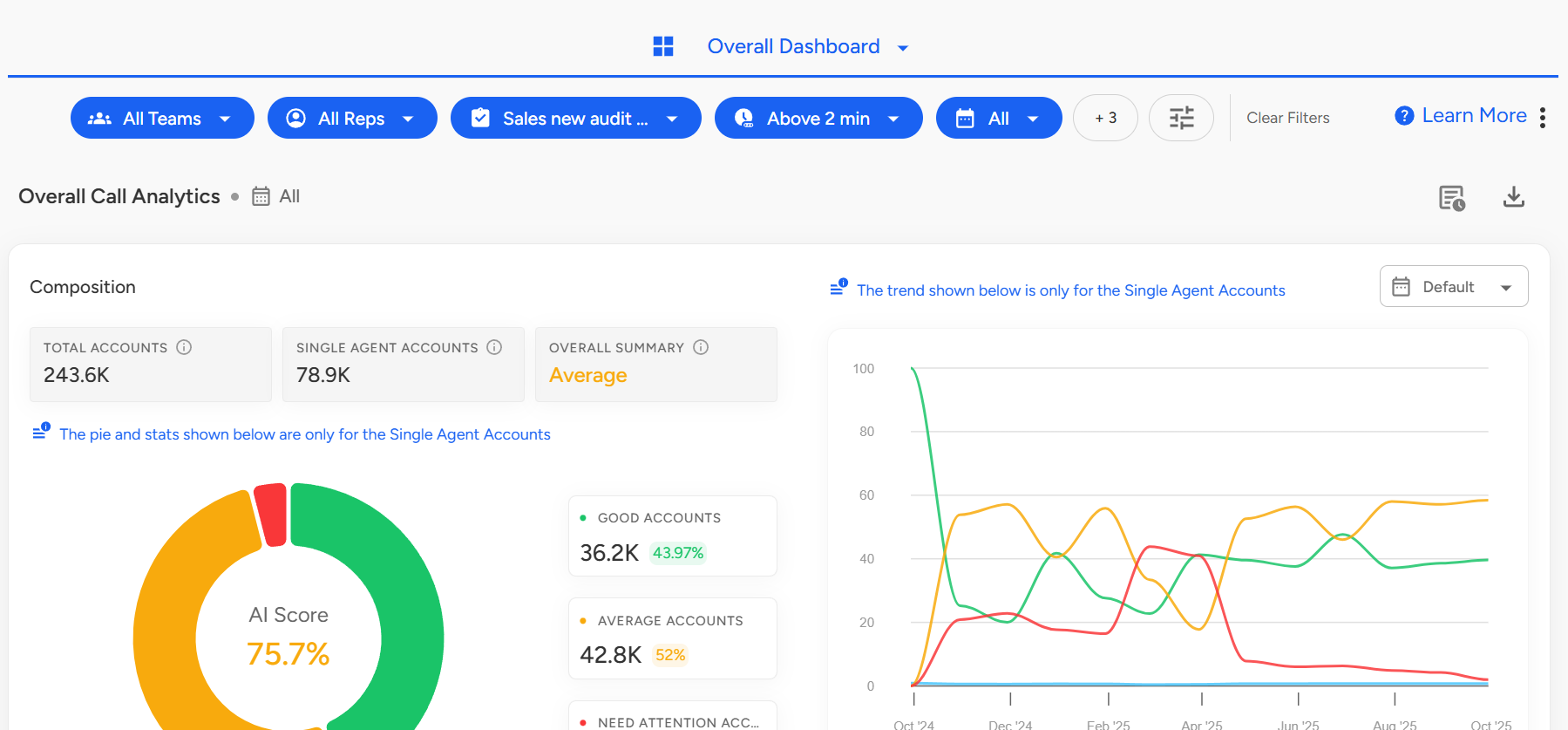
📩 Still need help? Contact our support team at [email protected] —we’re happy to assist!
Good day!