
The Audit Template filter in Convin AI’s Advanced Filters enables you to segment and analyze data using predefined audit templates.
- In the Conversations page, it helps you filter and review specific conversations evaluated using selected audit templates.
- In the Accounts page, it allows you to analyze accounts based on audits conducted across calls and meetings.
This feature helps managers, admins, and auditors efficiently evaluate performance and gain actionable insights across their team.
How to access Audit Template in conversations page.
- Navigate to the Conversations page.

- Click on the "Advanced Filter" button.

- Select Audit Template and Choose required Audit template.
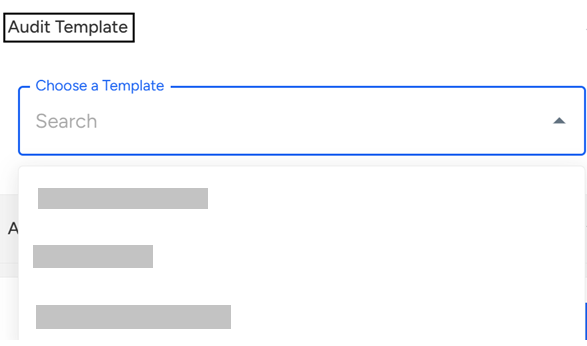
- Once you select a desired template in the Audit Template filter:
You will see additional category options that can be selected.
These categories can include areas like soft skills, communication quality, objection handling, intent signals, and other performance parameters.
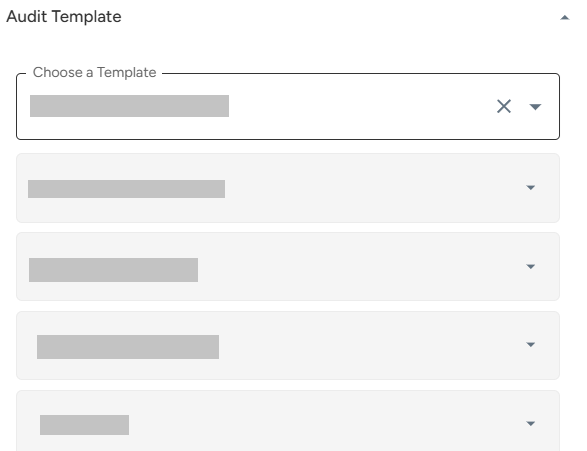
Click on Apply Filters.

How to access Audit Template in accounts page.
- Navigate to the Account section.

- Click on the "Advanced Filter" button.

- Select Audit Template and Choose required Audit template.
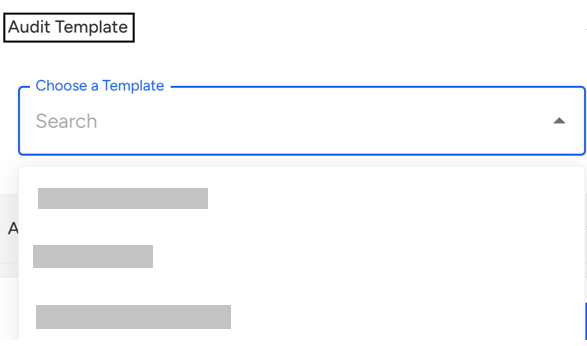
- Once you select a desired template in the Audit Template filter:
You will see additional category options that can be selected.
These categories can include areas like soft skills, communication quality, objection handling, intent signals, and other performance parameters.
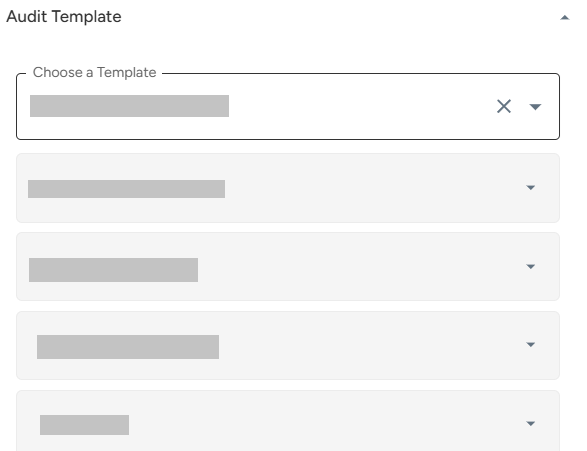
Click on Apply Filters.

📩 Still need help? Contact our support team at [email protected] —we’re happy to assist!
Good day!