
The Sampling View on the Conversation Page in Convin provides auditors with a centralized list of conversations selected for audit based on predefined sampling rules. It helps users easily access, review, and manage these sampled conversations directly from the conversation interface, ensuring a focused and efficient auditing workflow.
To access the Sampling View in Convin, follow the steps below:
Go to the Conversation Page

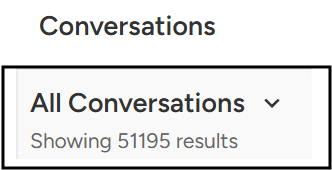
At the top left of the page, click on All Conversations to expand the dropdown menu.
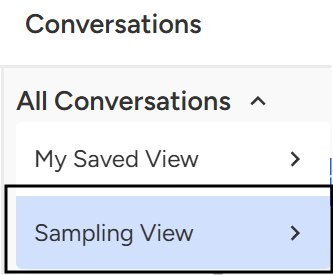
Select “Sampling View”.
Choose a Sampling Rule.
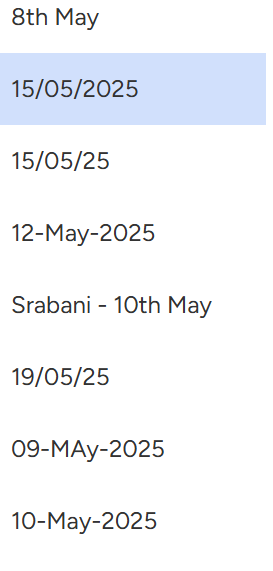
A list of available sampling rules will appear, Click on the sampling rule you want to view.
Once selected, Convin will display all the conversations that match the chosen sampling rule, allowing you to review them directly from the conversation page.
Note: To learn how to create a sampling rule, kindly refer to the below article:
What is Sampling Manager in Convin and how to create a sampling rule?
📩 Still need help? Contact our support team at [email protected] —we’re happy to assist!
Good day!