
Custom Tracking empowers you to monitor business trends by analyzing keywords extracted from customer conversations. With this feature, you can identify patterns in customer behavior and make data-driven decisions. Organizing keywords into Groups allows you to segment related terms based on your business objectives.
Steps on how to add Groups on Custom Tracking Page:
- Navigate to Convin Insights Page:

- Select Custom Tracking Page.

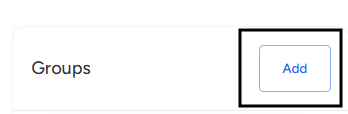
- Locate the Groups card on the Custom Tracking page, Click the Add button on the Groups side.
- Create a Group Name:
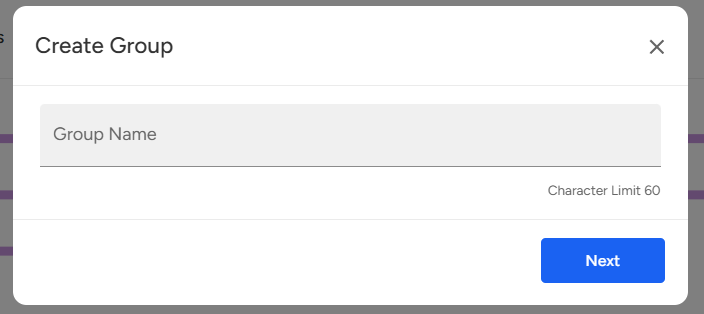
Enter the Group Name, & Click Next to proceed. - Enter the Display Name and the Keyword or Phrase you want to track.
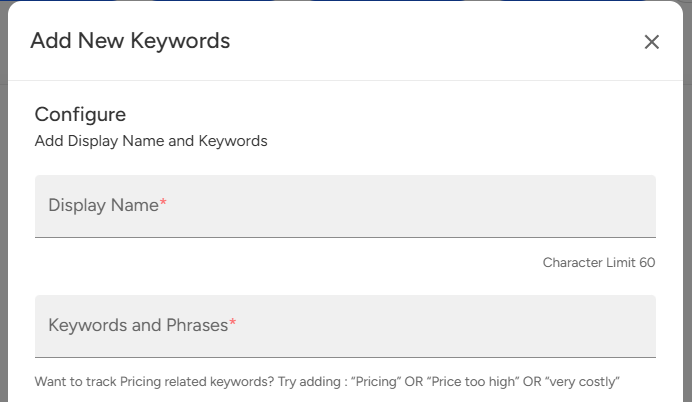
- Click Add Keywords to successfully add the keywords to the group, and to Add Groups.

📩 Still need help? Contact our support team at [email protected] —we’re happy to assist!
Good day!