
Using the Parameter Level Dashboard, you can monitor the performance of individual agents or teams at a macro level through graphs, matrices, and reports. This dashboard provides statistics on the coverage of each selected parameter in analyzed calls, offering insights into how effectively each aspect is addressed.
To access the parameter dashboard, follow the below steps:
Navigate to the "Home" module in the Convin platform.

Under the "Overall Dashboard" drop-down, select "Parameter Dashboard".
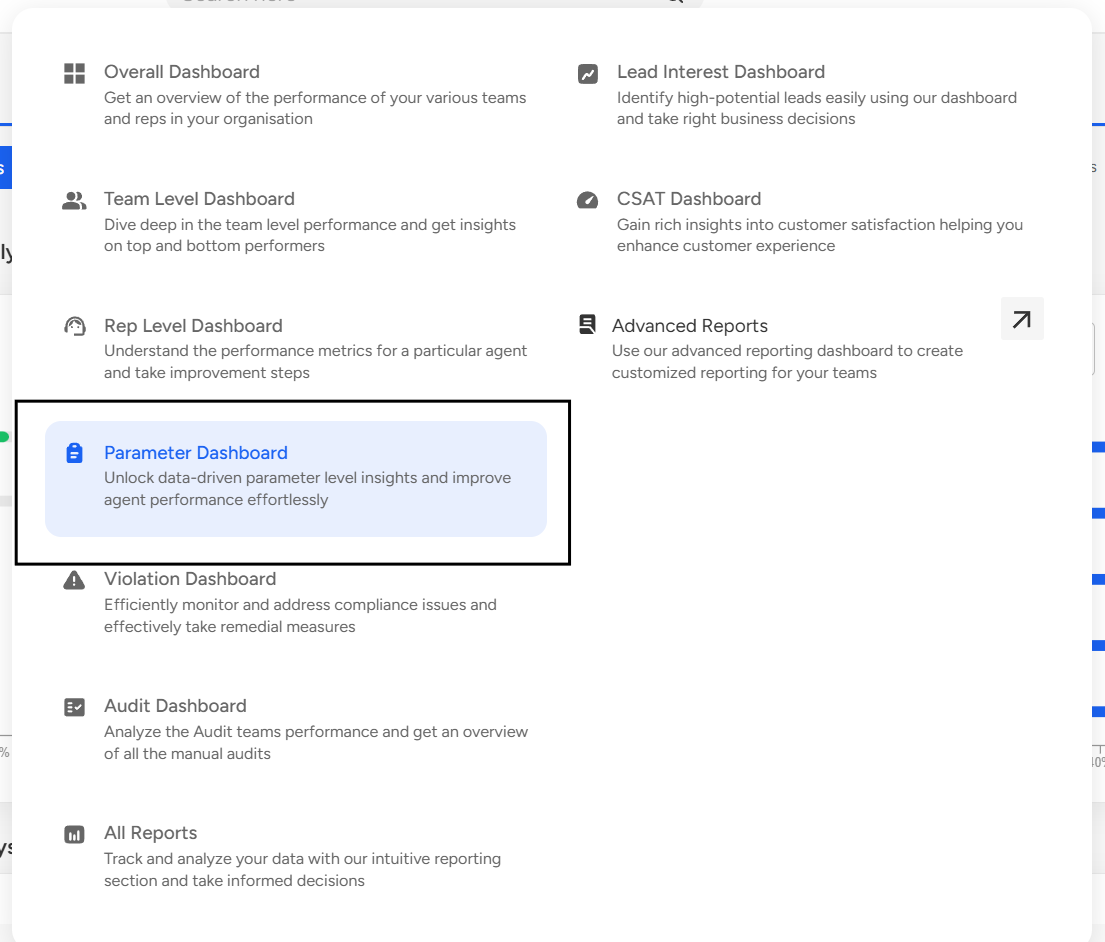
Parameter Dashboard gives the following insights:
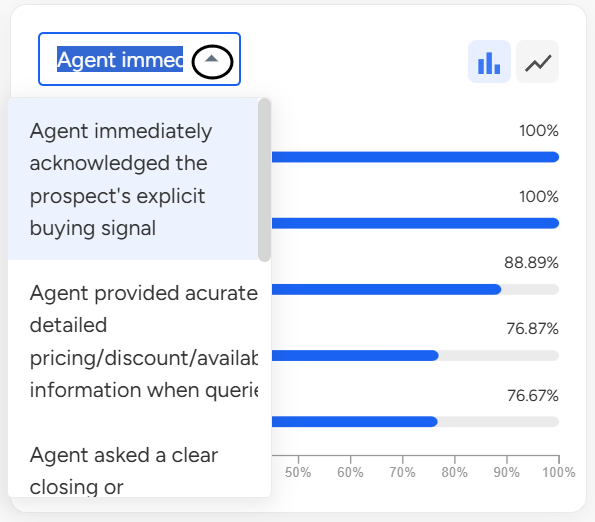
Parameter Level Analytics: It offers insights into:
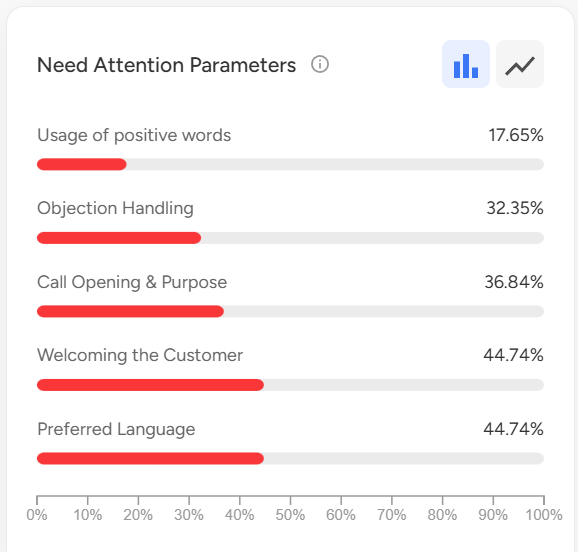
Top-performing parameters, showcasing their satisfaction levels on a percentage scale.
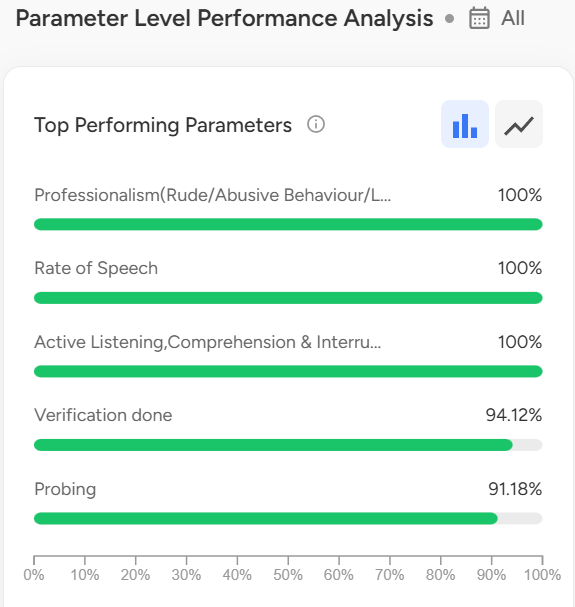
It highlights the bottom-performing parameters, pinpointing areas requiring attention.
Additionally, it furnishes information on the top-performing teams based on the selected parameters.
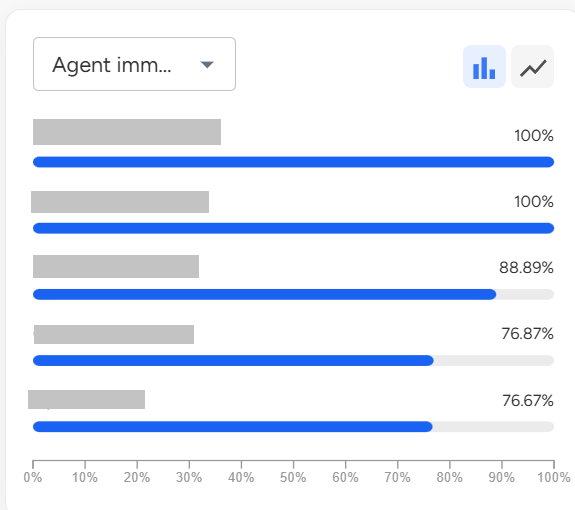
You can select the parameter from the drop-down available on the dashboard.
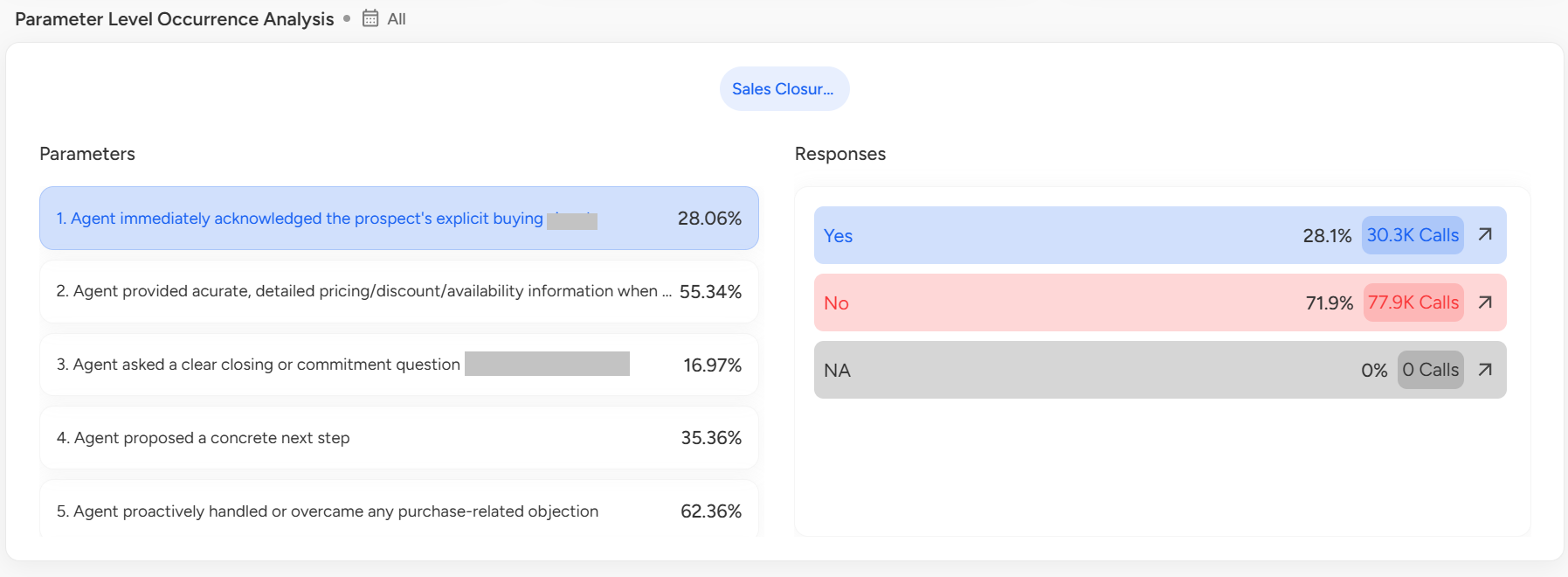
Parameter Level Occurrence Analysis: With occurrence analysis, it's possible to examine how frequently each parameter appears in analyzed calls within its respective category.
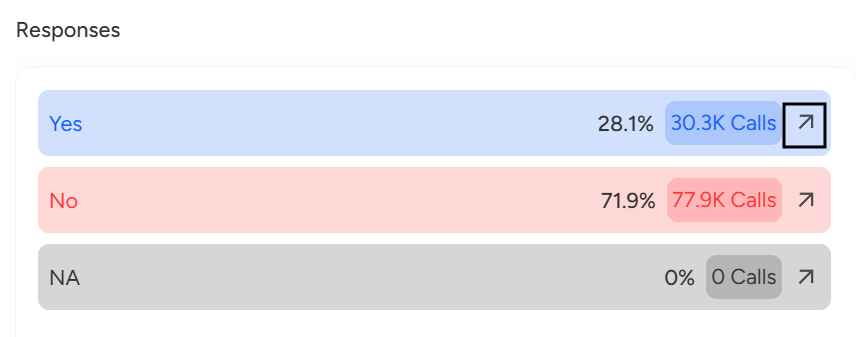
To gain exclusive insights into parameter responses, click on the arrow adjacent to each parameter.
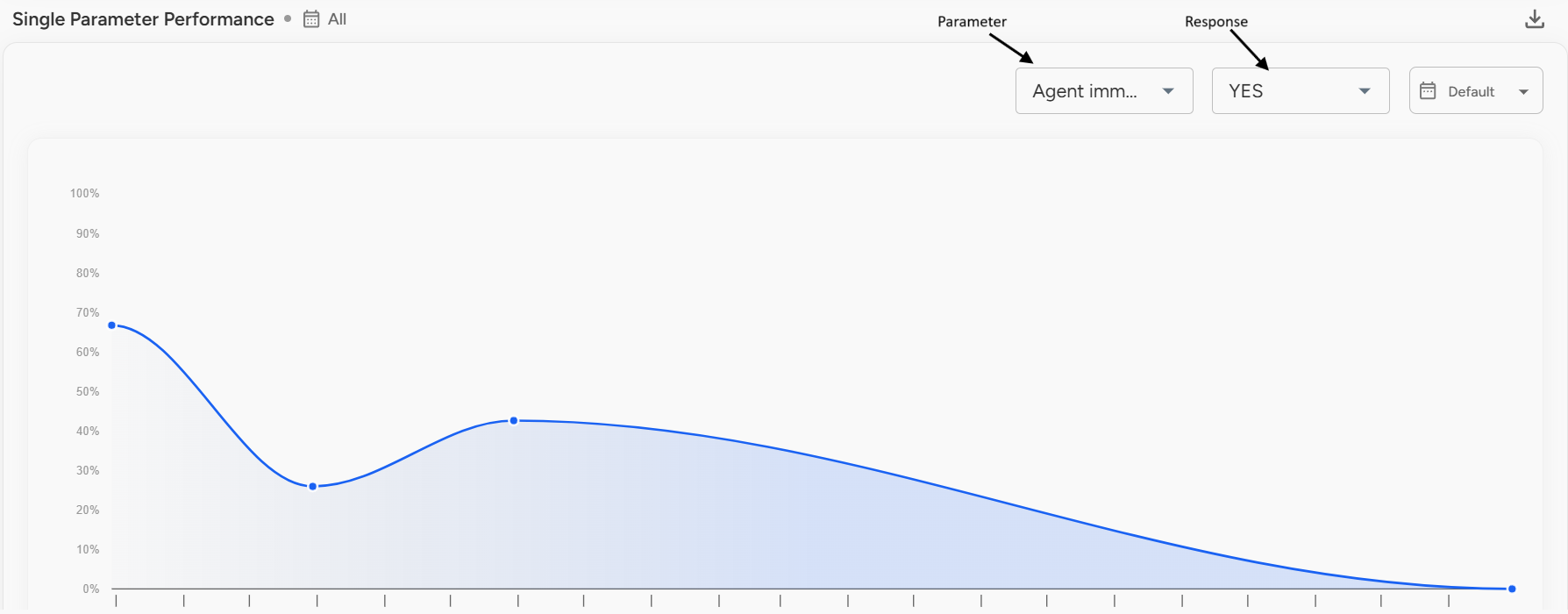
Single Parameter Performance: The single-parameter performance report provides a trend analysis based on the selected parameter and the corresponding parameter response.
Reports: Assess the performance of representatives and pinpoint opportunities for enhancement through Convin's parameter-level reports. Obtain insights into team performance, identifying areas of excellence and recognizing areas that may require additional support. Here are several highlighted reports available within the Parameter Dashboard.
Best Worst Parameter Report
Agent Parameter Report
Parameter Analysis Report
Parameter Defect Analysis Report
Sub Parameter Analysis Report
Team Parameter Comparison Report
Parameter Pareto Report
Parameter Comparison Report
Category Analysis Report
Top 5 fatal non-fatal errors
Category Defect Report
📩 Still need help? Contact our support team at [email protected] —we’re happy to assist!
Good day!