
Keywords in Custom Tracking allow you to track specific words or phrases from customer conversations. With this feature, you can analyze trends, sentiment, and agent performance to uncover actionable insights. Adding keywords to Groups helps you organize and segment related terms for more focused analysis and better decision-making.
Steps on how to add Keywords on Custom Tracking Page:
- Navigate to Convin Insights Page:

- Select Custom Tracking Page.

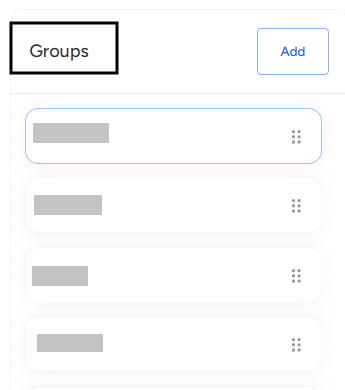
- Select and Choose the Group where you want to add keywords.
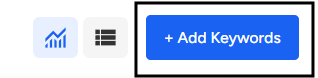
- Click the Add Keywords button.
- Enter the Display Name and the Keyword or Phrase you want to track.
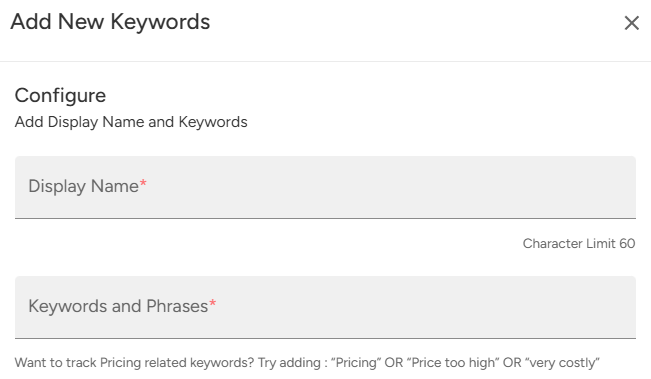
- Click Add Keywords to successfully add them to the selected group.

📩 Still need help? Contact our support team at [email protected] —we’re happy to assist!
Good day!