Said By helps you refine your analysis by identifying whether specific keywords or phrases were spoken by the rep or the client. With this feature, you can better understand conversation dynamics, filter insights based on the speaker, and make more accurate, data-driven decisions. The option to Exclude further allows you to remove speaker-specific keywords, giving you cleaner and more targeted insights.
Steps to Use the “Said By” Filter:
- Navigate to Convin Insights Page:

- Select Custom Tracking Page.

- Click on the Advanced Filters option.

Select the “Said By” filter.
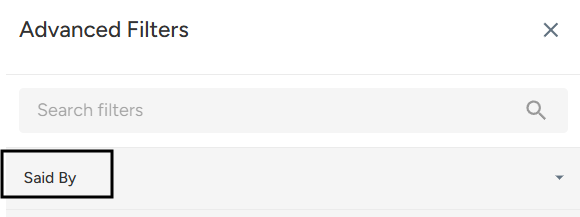
Choose the Speaker:
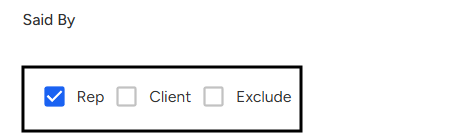
Select whether you want to filter the keyword or phrase spoken by the Rep, the Client, or choose Exclude to remove a specific speaker’s statements from the results.Click Apply to refine your insights based on the selected speaker option.