
Navigate to the Conversations page and open AI Conversation Overview.
You can then apply the Advanced Filters as shown in the screenshot.
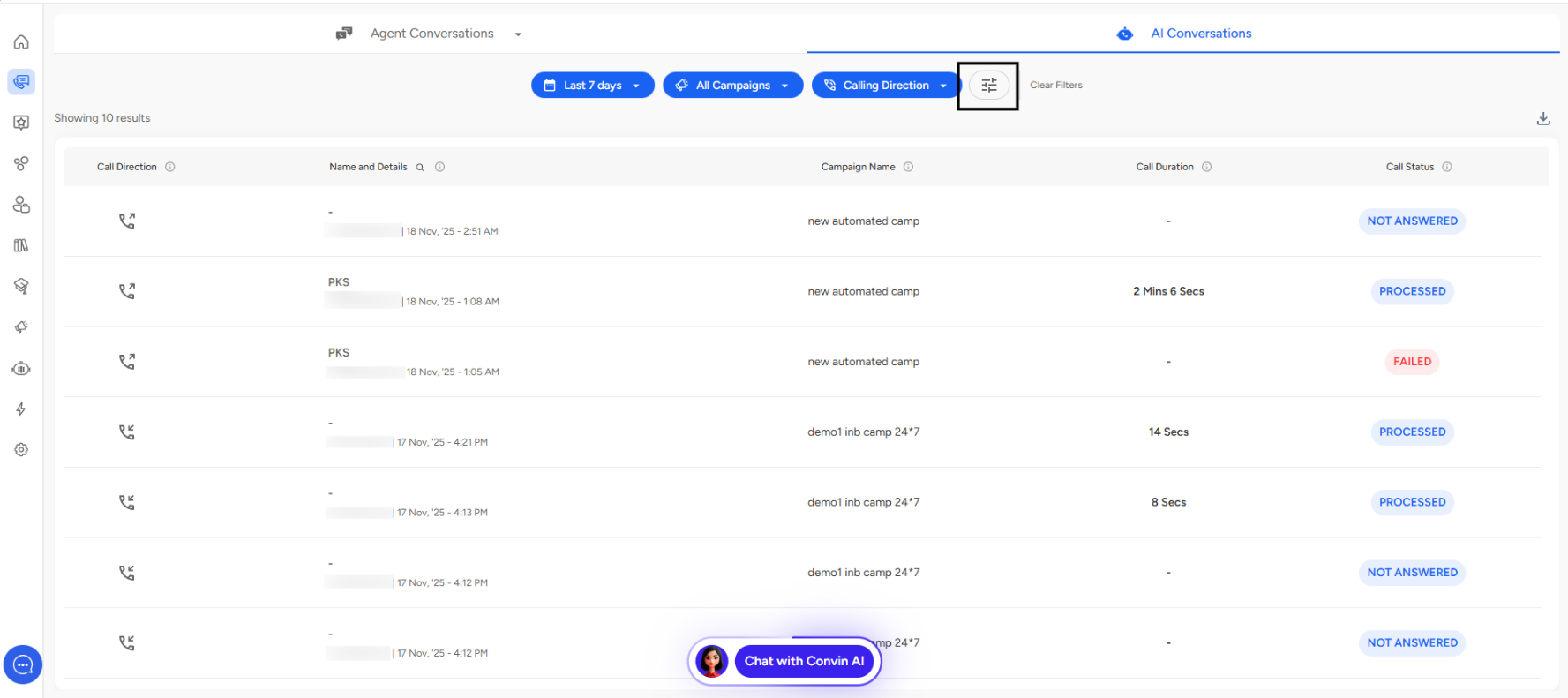
Call From Number Filter
Filters campaigns based on the calling number used to make outbound calls.
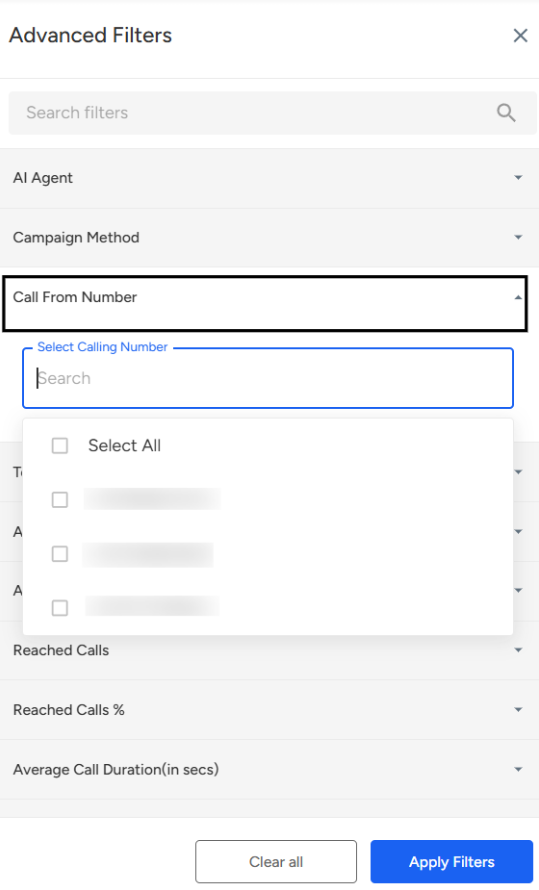
How to Use
- Click "Call From Number" dropdown
- Search or select specific calling numbers
- View campaigns using that number
Use Cases
- Track performance by phone number
- Monitor number reputation
- Manage multiple business lines
- Geographic number performance
📩 Still need help? Contact our support team at [email protected]—we’re happy to assist!
Good day!