
Navigate to the Conversations page and open AI Conversation Overview.
You can then apply the Advanced Filters as shown in the screenshot.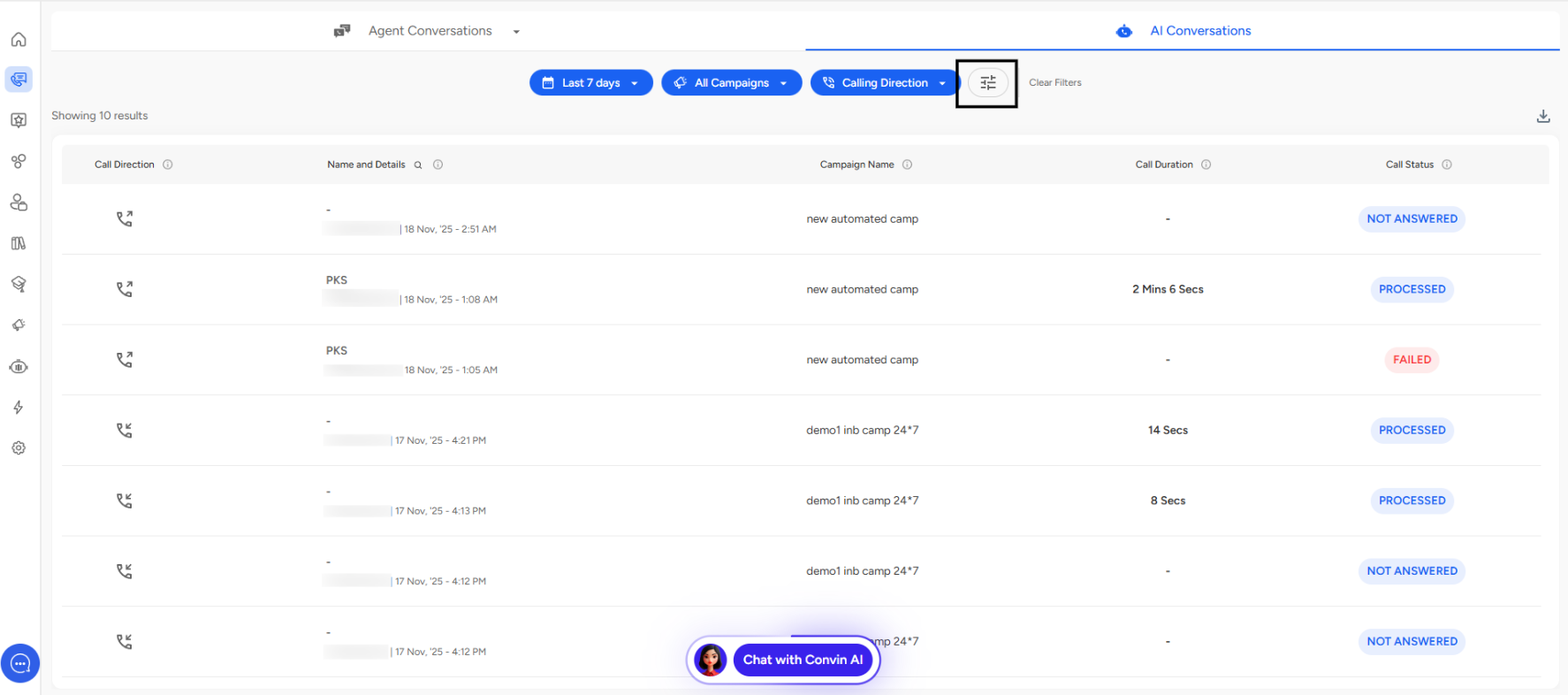
Average Call Duration (in secs)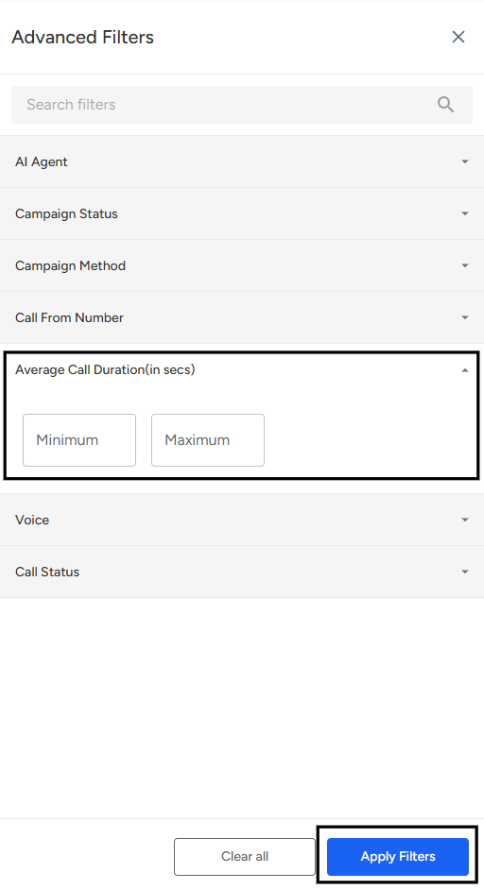
Location:
Found in the Advanced Filters panel.Purpose:
Filters conversations based on the average length of calls handled in each conversation.Input Type:
Two numeric fields: Minimum and Maximum.
Enter duration values in seconds.
Usage:
Set a minimum value to find conversations with longer or more detailed interactions.
Set a maximum value to identify short-duration Conversations, which may indicate quick resolutions or dropped calls.
Analytical Value:
Helps assess call quality, engagement depth, and agent performance.
Useful for identifying whether calls are being handled efficiently or require improvement.
📩 Still need help? Contact our support team at [email protected]—we’re happy to assist!
Good day!