
Convin's Entity Recognition technology enables you to tailor the extraction of specific data fields from customer interactions. This guide will walk you through the process of configuring entities to capture the relevant information for your business.
To manage entities, follow these steps:
Navigate to the Settings module.

Under "ConvinGPT Settings locate "Entity". In this section, you can manage your existing entities and create new ones.
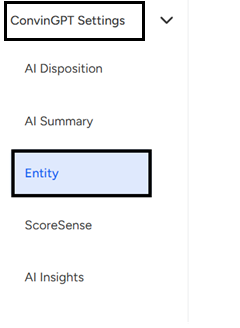
To create a new entity Click on the "+Create Entity" button.

A dialog box will appear.
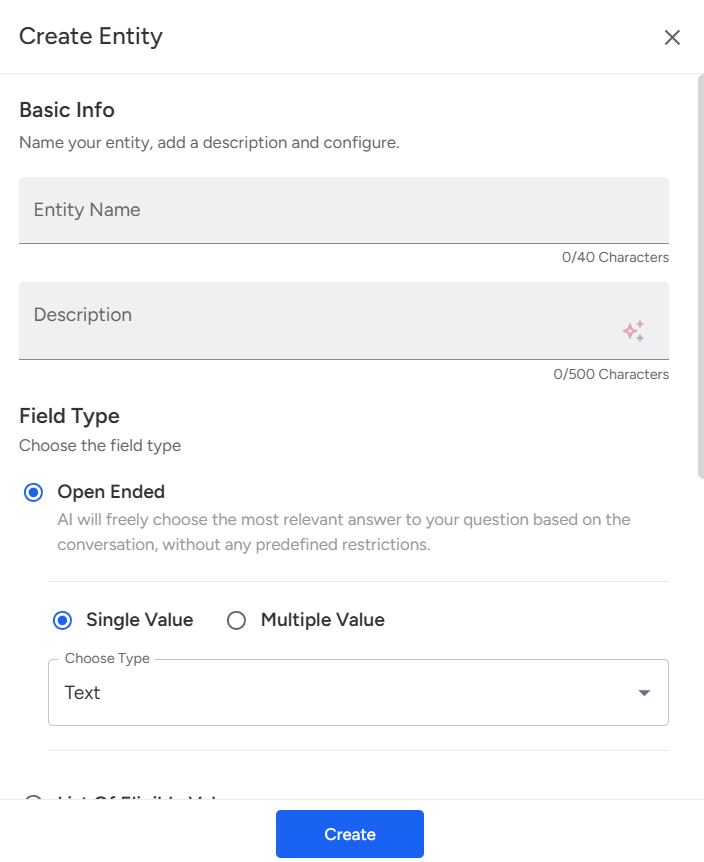
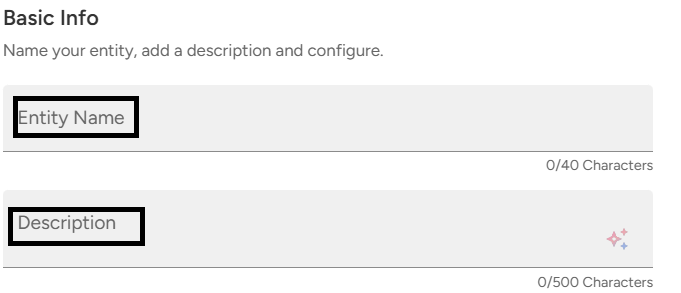
Providing a name and description of the Entity is mandatory.
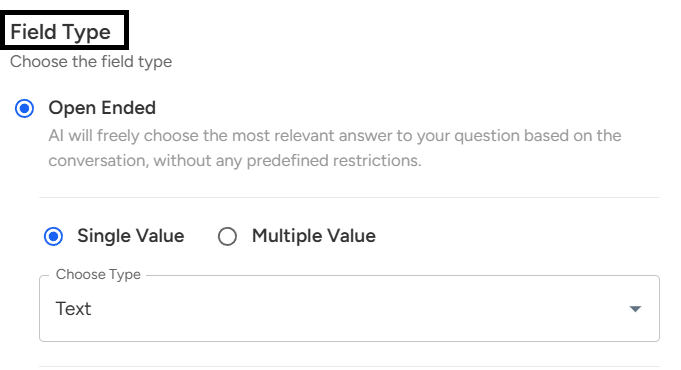
- Field Type (Open Ended):This option allows the AI to freely pick the most relevant answer from the conversation without any restrictions, rather than limiting responses to predefined choices.
Single Value vs. Multiple Value:
Single Value → The answer will be captured as a single response.
Multiple Value → Multiple responses can be captured if needed.
Choose Type (Text): Since it’s an open-ended question, the input type selected here is Text, meaning the responses will be recorded in text form.
Enter the list of eligible values if you want only extracted values from a specific set of eligible values.

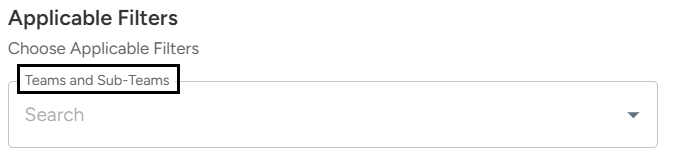
Select the teams/subteams where this entity will be applicable.
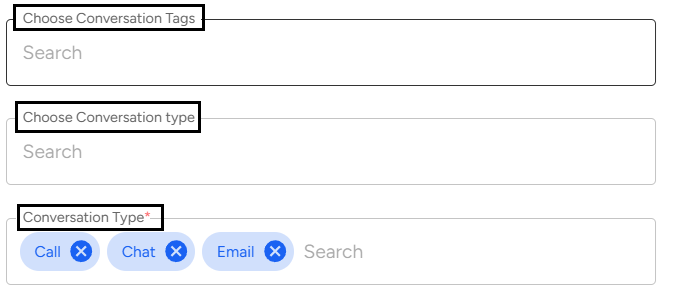
Choose the conversation type/tags associated with the entity. Specify the conversation medium (chat, email, call).
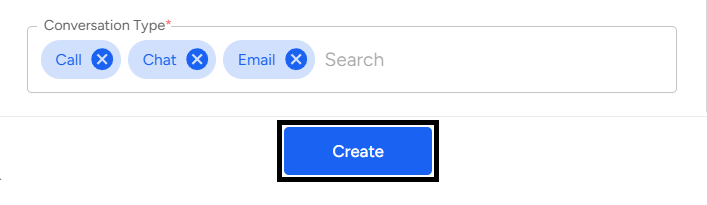
Once you've filled in the necessary details, click on the "Create" button to save your new entity configuration.
To manage an existing entity:
Select an entity card for which you want to modify the configuration.
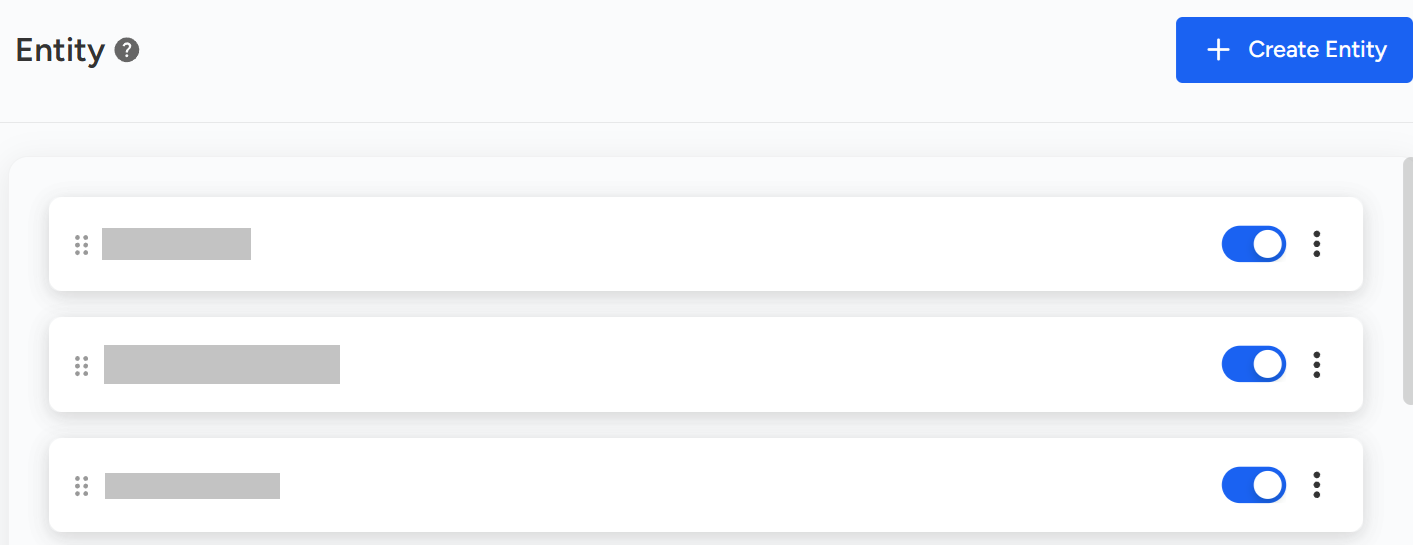
Click on the More Options button.
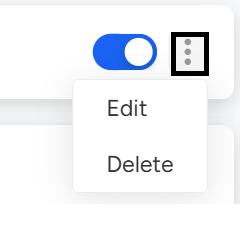
Select the "Edit" option. This will open up a dialog box showing the existing configuration for the entity.
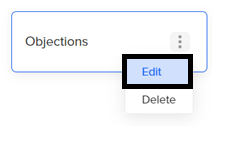
Make the desired changes in the configuration.

Click on the "Save" button to update the changes.

By following these steps, you can define and personalize data fields that are critical to your organization, ensuring that Convin adapts to your business needs and captures the exact information that matters most to you.
📩 Still need help? Contact our support team at [email protected] —we’re happy to assist!
Good day!