
Keyword Analysis in Convin helps you understand how specific terms or phrases perform across customer conversations. It provides detailed insights into keyword frequency, trends, sentiment impact, and related interactions—making it easier to identify customer needs, recurring issues, and business opportunities.
How to Access Keyword Analysis:
- Navigate to Convin Insights Page:

- Select Custom Tracking Page.

- Select the Desired Group.
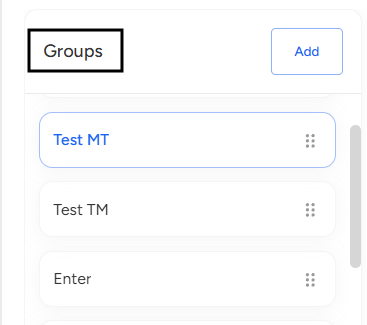 Choose the Group that contains the keyword you want to analyze.
 - Under the Layout View, click on the detailed view icon.
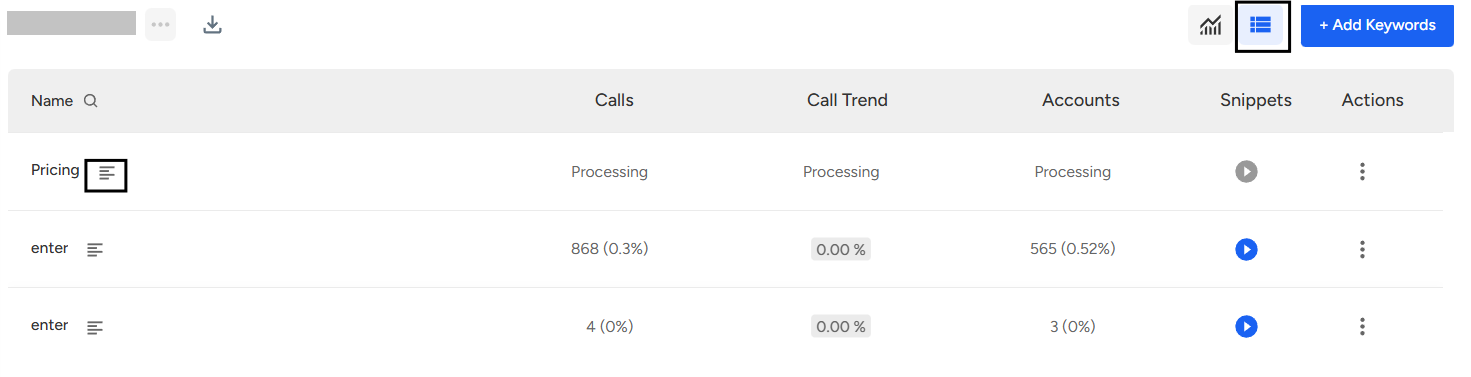
- Once you click the detailed view icon, the page will open the complete detailed analysis.
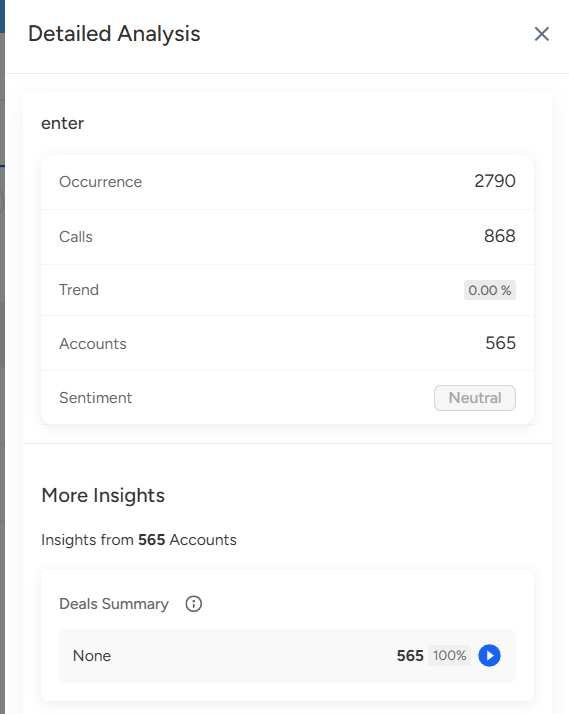
Which includes Deals Summary, AI Conversation Score, Sentiment, and Agent Performance.
📩 Still need help? Contact our support team at [email protected] —we’re happy to assist!
Good day!