
Trend View provides a visual representation of AI-generated conversation insights over time, where each line represents a unique insight, sentiment, or conversation category. It helps users track patterns, compare trends, and identify shifts in customer interactions across selected time periods.
How to Use Trend View in Convin (AI Insights):
- Navigate to the Convin Insights module.

- Select the AI Insights page.

- Use the Filters section to customize your analysis.

You can filter insights based on such as Team, Agent, Date Range, Duration, or other available fields. - Click on View Details.
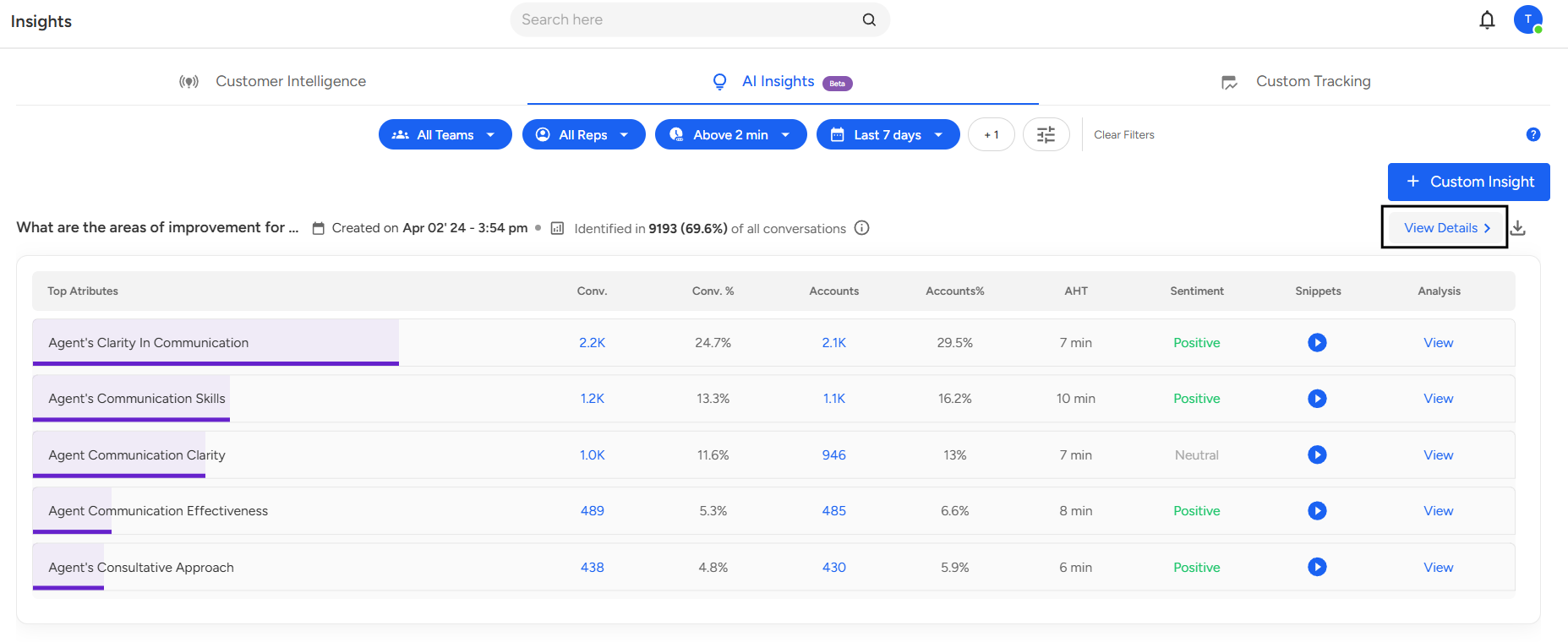
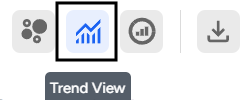
- In the detailed view, click on the Trend View icon at the top of the page.
- Once switched, The Trend View displays a line graph showing the performance of multiple AI-generated insights over time.
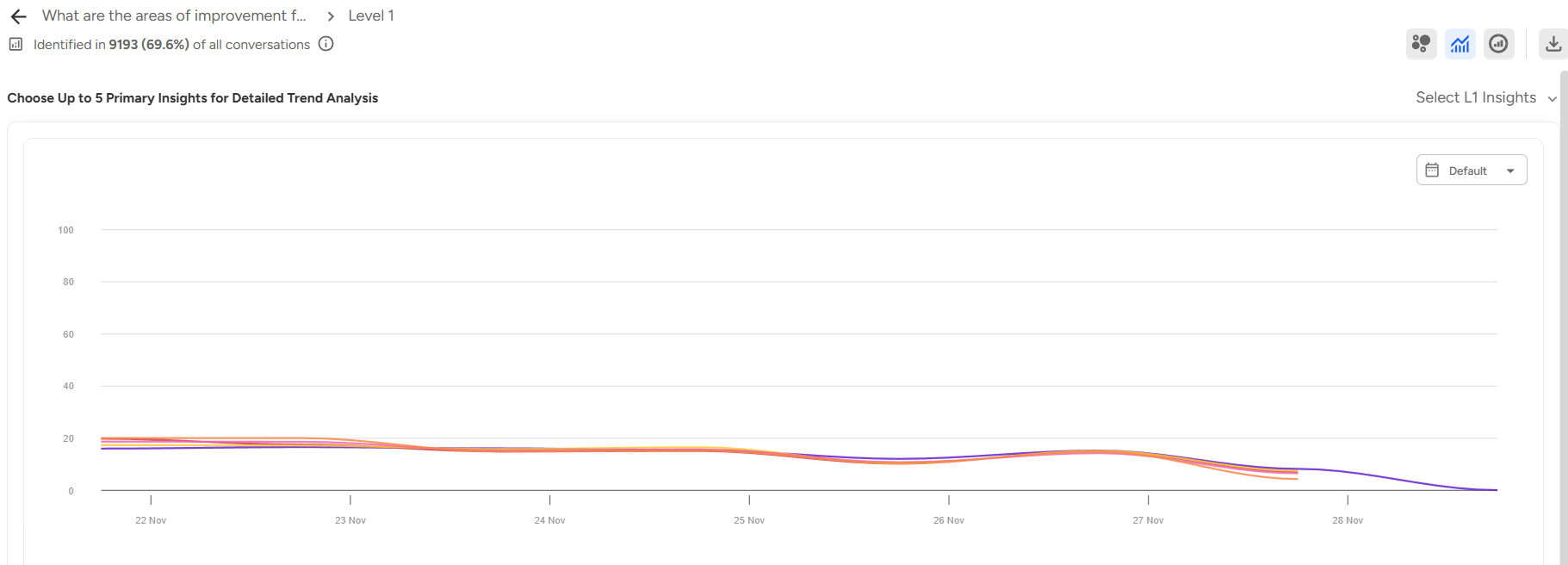
Each line represents a unique insight, sentiment, or conversation category. - Select Insights:
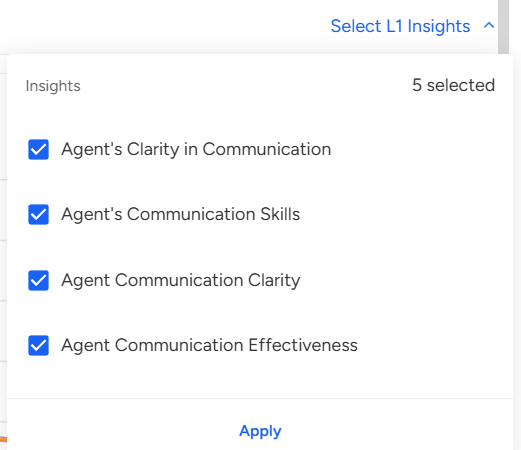
By default, five insights will appear on the graph. You can customize the view by selecting any five insights to focus on specific topics or patterns. - Choose Date Range:
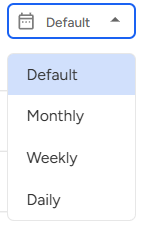
View data monthly, weekly, or daily depending on how you want to analyze changes and performance over time.
📩 Still need help? Contact our support team at [email protected]—we’re happy to assist!
Good day!