
The Campaign Search functionality in Convin Sense allows users to quickly locate specific campaigns using keywords. This helps in efficiently tracking campaign performance and accessing relevant campaign data without manually browsing through all entries.
Steps to Search for a Campaign
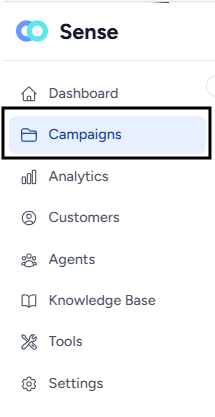
- Navigate to the Campaigns page.
- Locate the Search bar at the top of the Campaigns page.
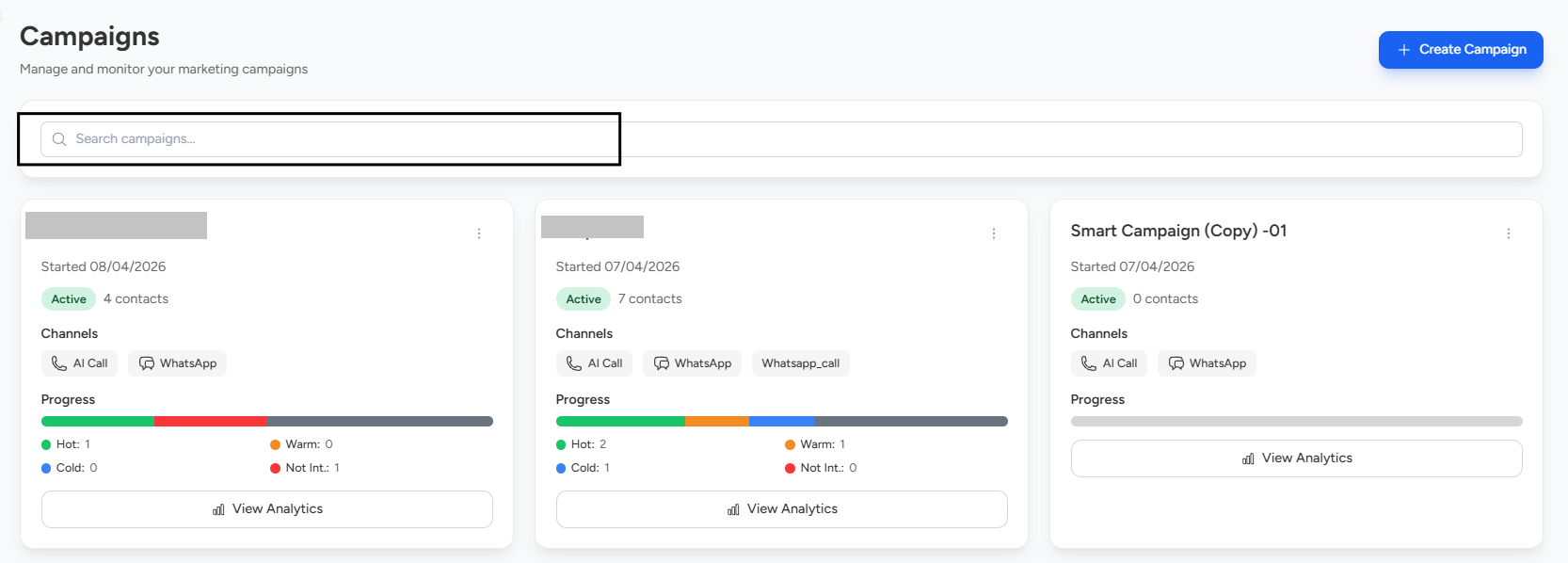
- Enter relevant keywords such as:
- Campaign name
- Campaign ID
Once you enter the campaign name or ID, the relevant campaign will be displayed automatically.
📩 Still need help? Contact our support team at [email protected] —we’re happy to assist!
Good day!