
Creating a campaign in Convin Sense allows you to automate lead engagement effectively. Selecting the right campaign type ensures better performance and aligns with your business objectives.
Campaign Types in Convin Sense
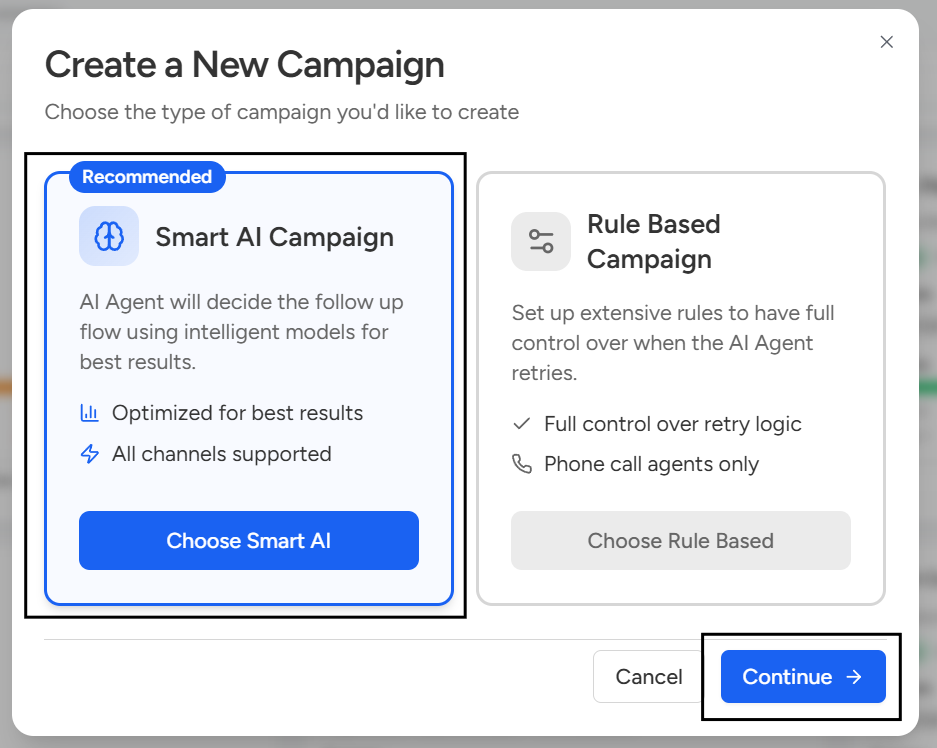
Convin Sense offers two types of campaigns to automate lead engagement based on different business needs.
A Smart AI Campaign uses AI to manage conversations dynamically, enabling context-aware and personalized interactions with leads. It adapts responses based on user inputs and is ideal for scalable, intelligent engagement.
A Rule-Based Campaign, on the other hand, follows predefined conditions and actions to execute workflows. It ensures consistent and predictable outcomes, making it suitable for structured use cases where fixed logic is required.
Steps to Create a Smart AI Campaign:
- Navigate to the Campaigns page.
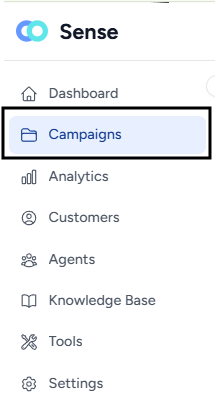
- Click on the Create Campaign button.

- Under “Choose the type of campaign you'd like to create”, select Smart AI Campaign and click Continue.
- After selecting Smart AI Campaign, you will be guided through multiple configuration pages to set up your campaign:
- Campaign Details
Enter the basic information required to create the campaign: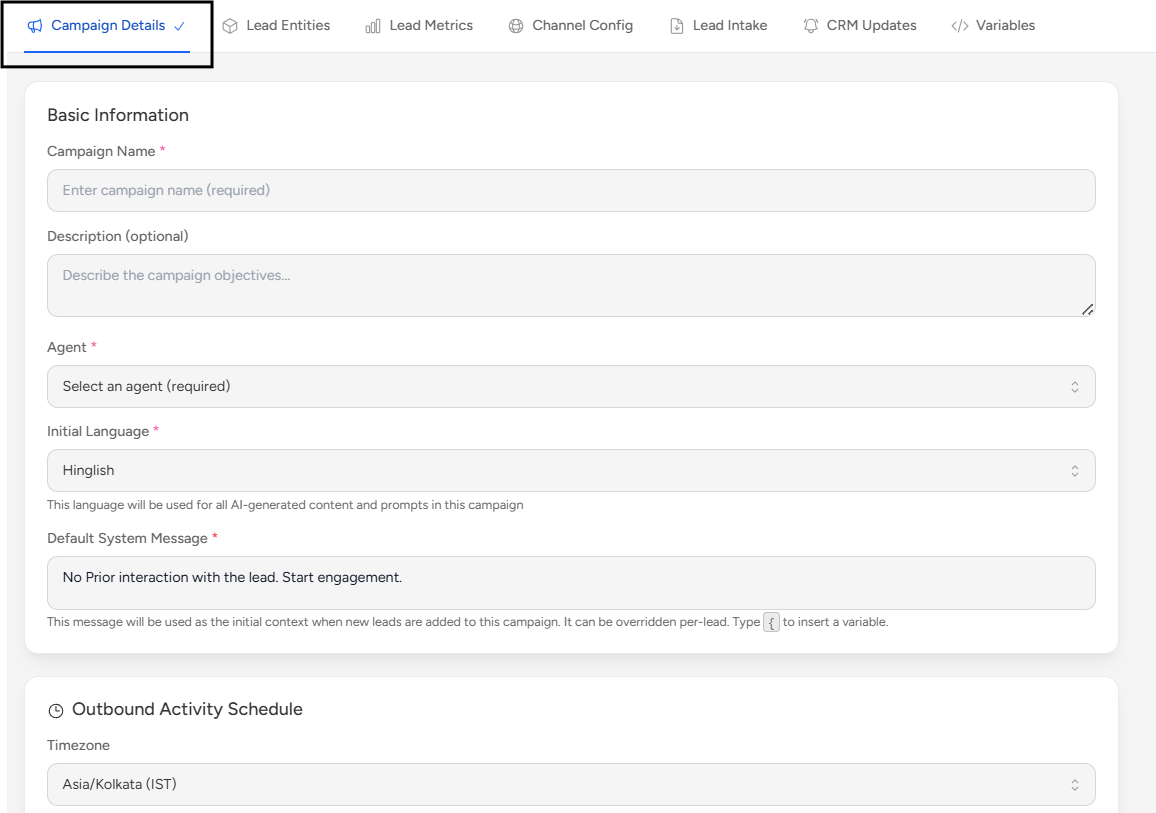
- Campaign Name
- Agent
- Default System Message
- Language
- Outbound Activity Schedule
- Communication Limits & Cost Analysis
- Lead Entities
Create entities to capture structured data from lead conversations.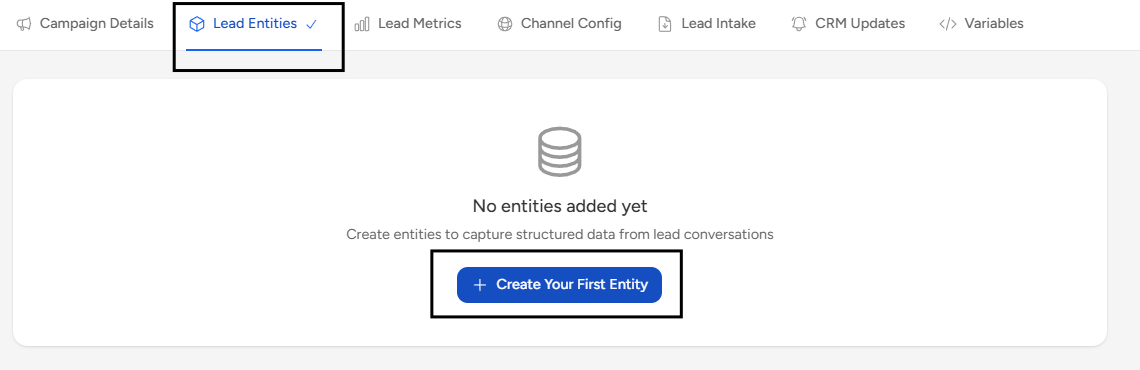
- Lead Metrics
Configure evaluation prompts to assess leads into values such as:- Goal Achievement
- Lead Qualification
- Interest Level
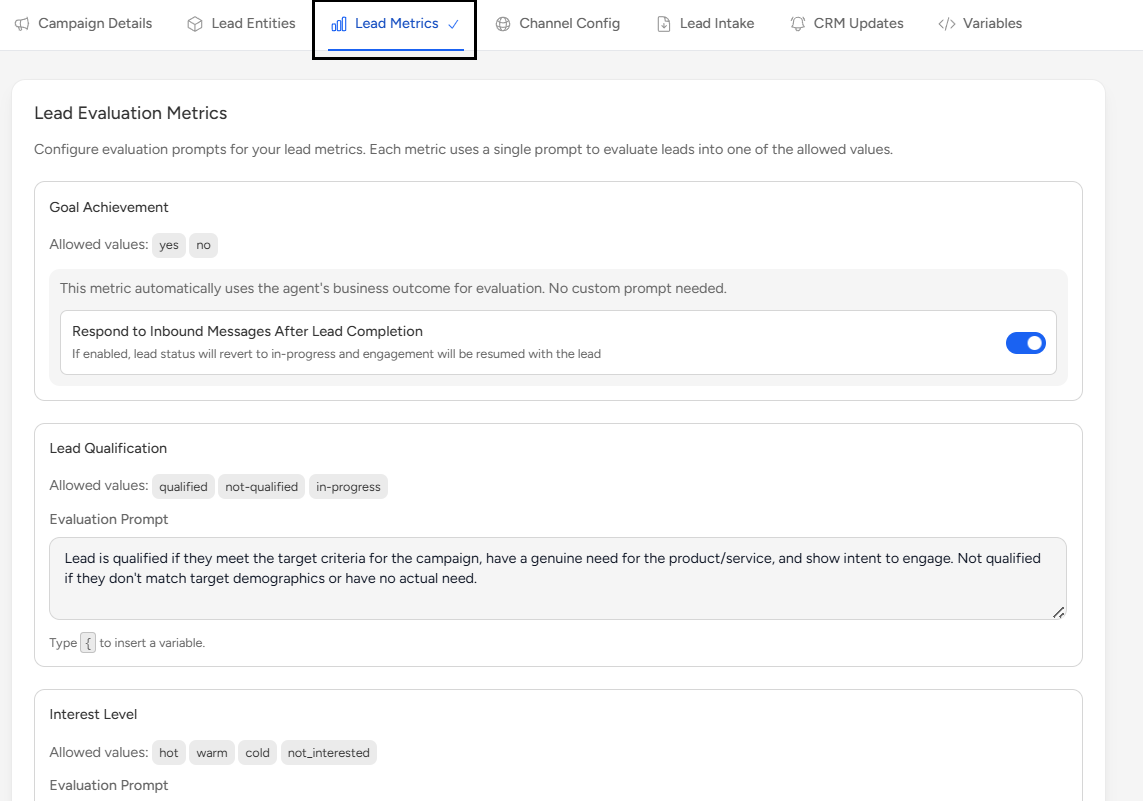
You can also click on Add Custom Metric to create additional metrics.
- Channel Configuration
Set up the communication channels such as (WhatsApp, AI Call) for the campaign.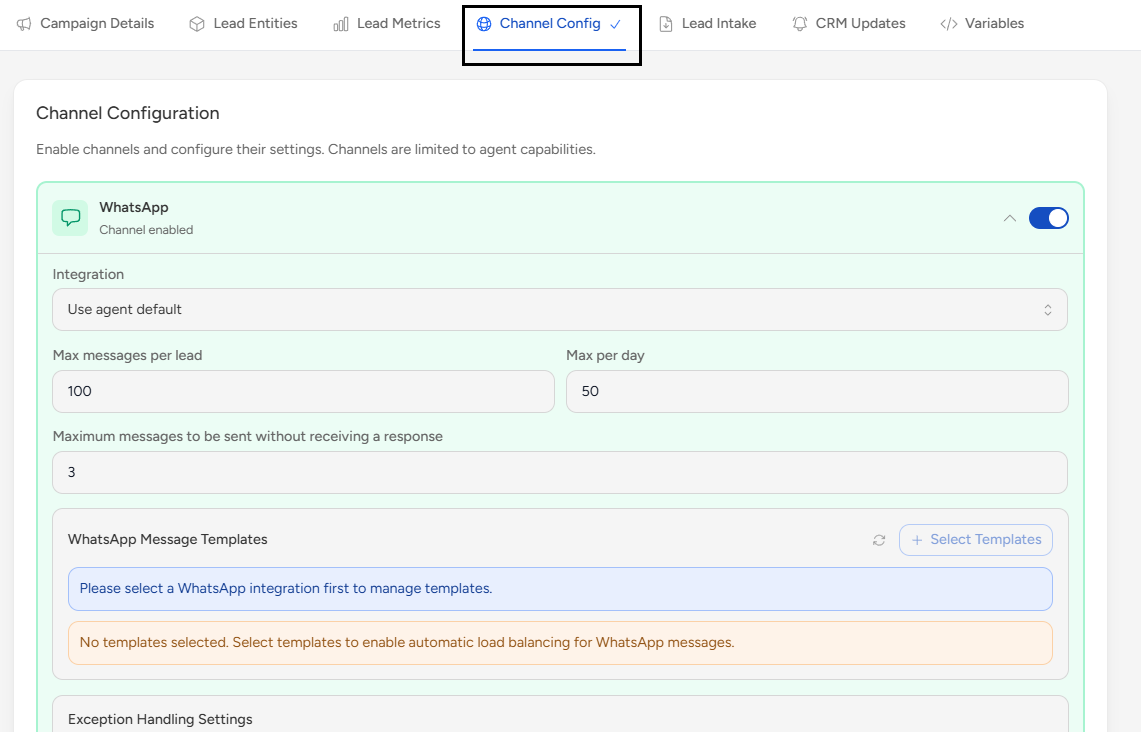
- Lead Intake
After campaign creation, a Campaign ID is generated. You can use it to add leads via API or paste a Sample Payload.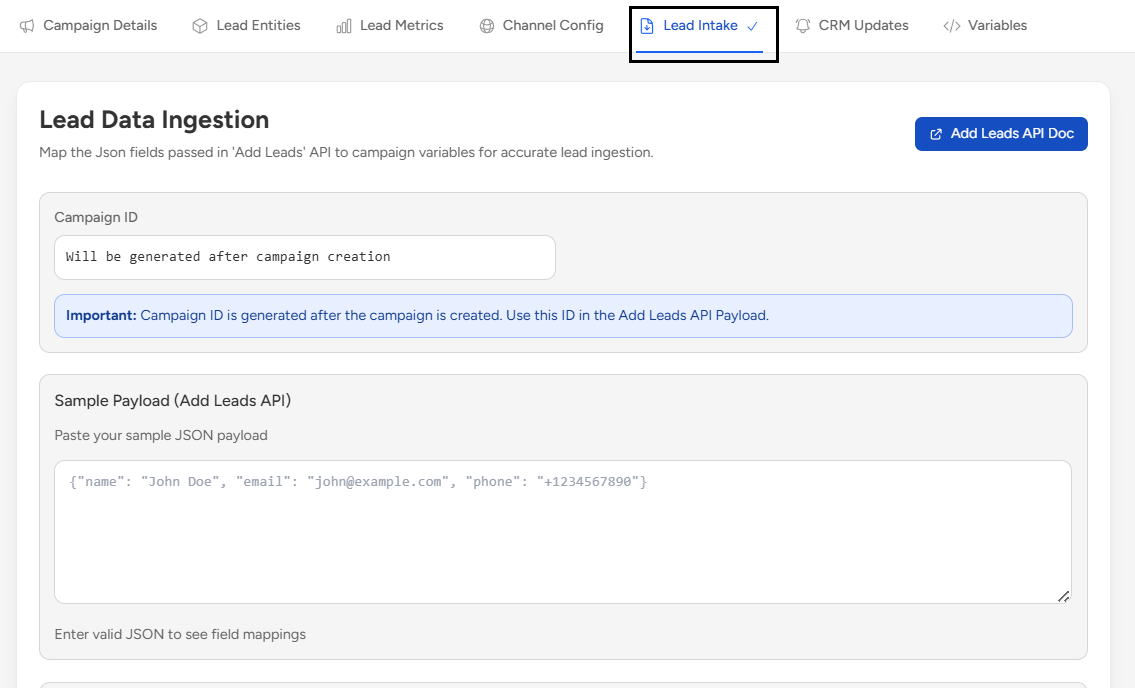
- CRM Updates
Configure CRM updates to sync campaign data with your CRM system.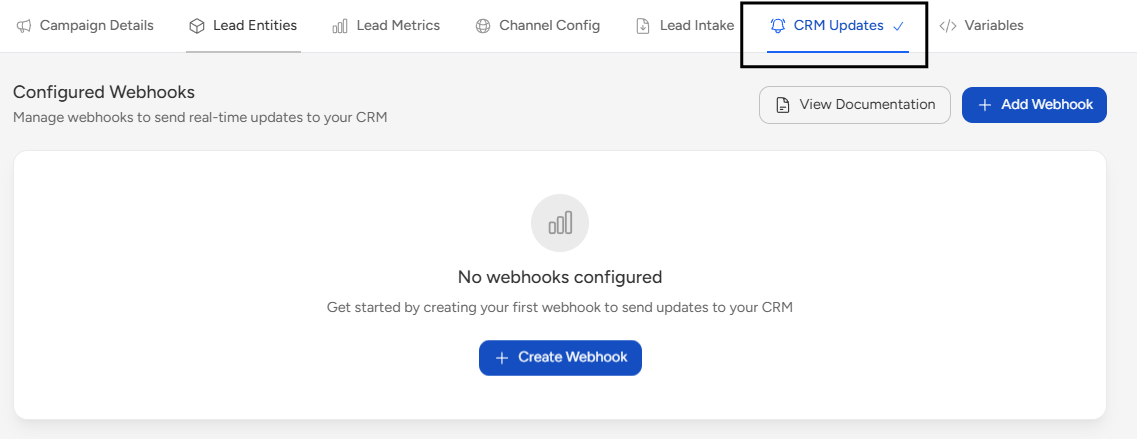 Note: This can be configured after creating the campaign.
 - Variables
Select an agent in Campaign Details to view and configure variables.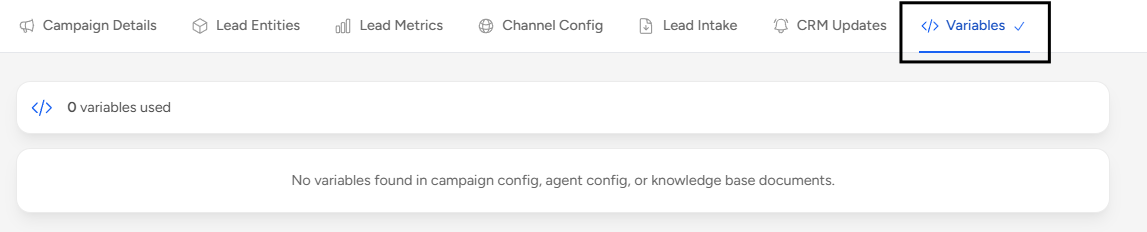
6. Click on Create Campaign to successfully create your campaign.

A Rule-Based Campaign follows the same setup process as a Smart AI Campaign. While creating the campaign, under “Choose the type of campaign you'd like to create”, select Rule Based Campaign and click Continue to proceed.
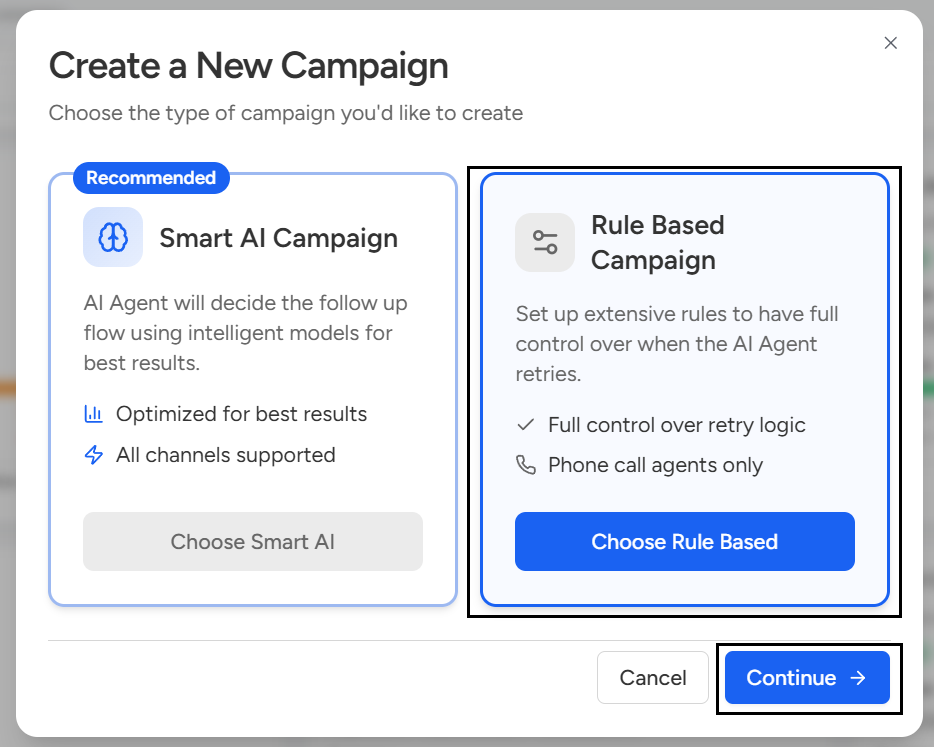
Under Campaign Details, unlike Smart AI Campaigns, Communication Limits & Cost Analysis will not be available for Rule-Based Campaigns.
📩 Still need help? Contact our support team at [email protected] —we’re happy to assist!
Good day!