
The Filters feature on the Customers page in Convin Sense allows users to refine and segment leads based on specific criteria. This helps in quickly identifying relevant leads, improving workflow efficiency, and enabling better decision-making.
Accessing Filters
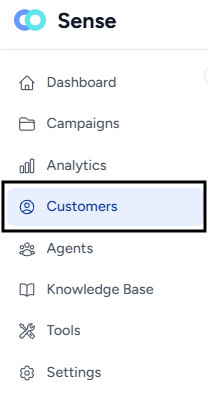
- Navigate to the Customers section from the main menu.
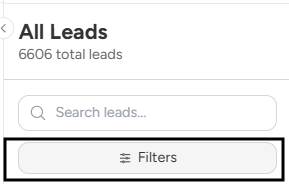
- Click on the Filters option to apply filters to the leads list.
Available Filters
1. Lead Status: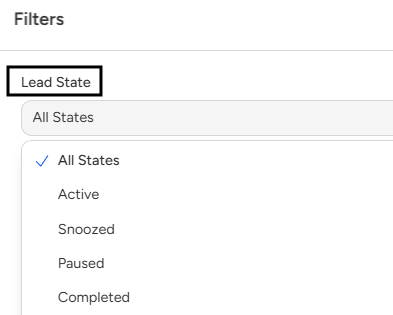
Filter leads based on their current status, such as Active, Completed, or Archived. This helps in tracking the progress of leads across different stages.
2. Lead Owner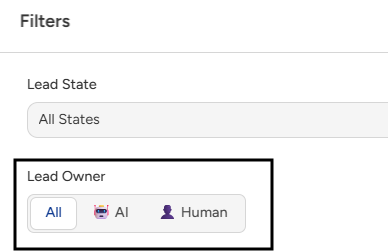
Filter leads based on ownership:
- AI Agent (Convin AI)
- Human Agent
This helps in identifying who is handling the lead.
3. Lead Connectivity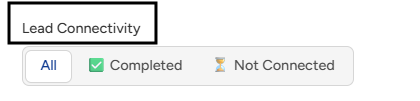
Filter leads based on whether they have been successfully connected or not through communication channels.
4. Interest Level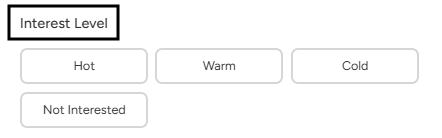
Filter leads based on their level of interest:
- Hot
- Warm
- Cold
This helps in prioritizing high-intent leads.
5. Lead Qualification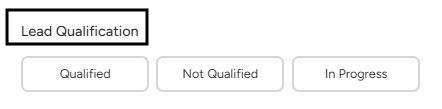
Filter leads based on qualification status (e.g., qualified or not qualified), helping focus on high-quality leads.
6. Goal Achievement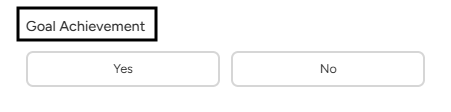
Filter leads based on whether the defined campaign goal has been achieved or not.
7. Number of Interactions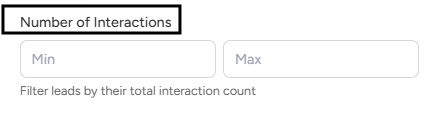
Filter leads based on the number of interactions or engagements, helping identify highly engaged or inactive leads.
8. Lead Created Date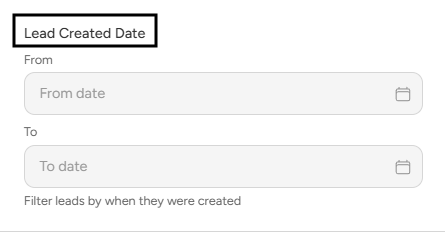
Filter leads based on the date they were created, allowing analysis within a specific time range.
📩 Still need help? Contact our support team at [email protected] —we’re happy to assist!
Good day!