
The "Draft" audit status applies to cases where auditors have begun the audit but have not yet finalized it. Additionally, if an interaction has already been audited, any unsaved changes to the parameter responses will revert the audit status to Draft.
Users can locate the Draft Audit filter on the Meetings page of the Convin Dashboard.
Steps to Identify Conversations in Draft Audit Status:
- Navigate to the Conversations Page.

- Click on the "Advanced Filter" button.

- Select the "Draft Status" filter and Check the box for "Audit - Draft".
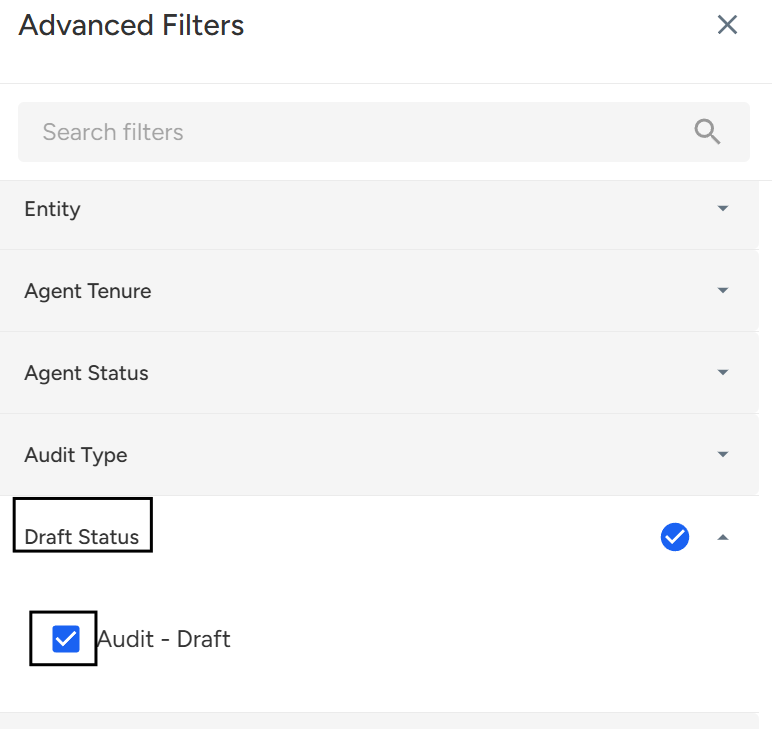
Click "Apply Filters" to view conversations in draft audit status.
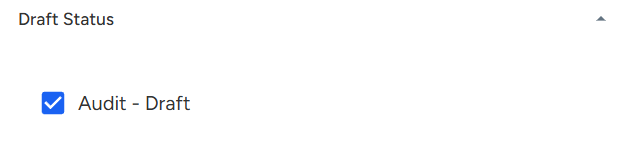
NOTE: The Draft status filter cannot be applied when anything is selected in the audit template filter.
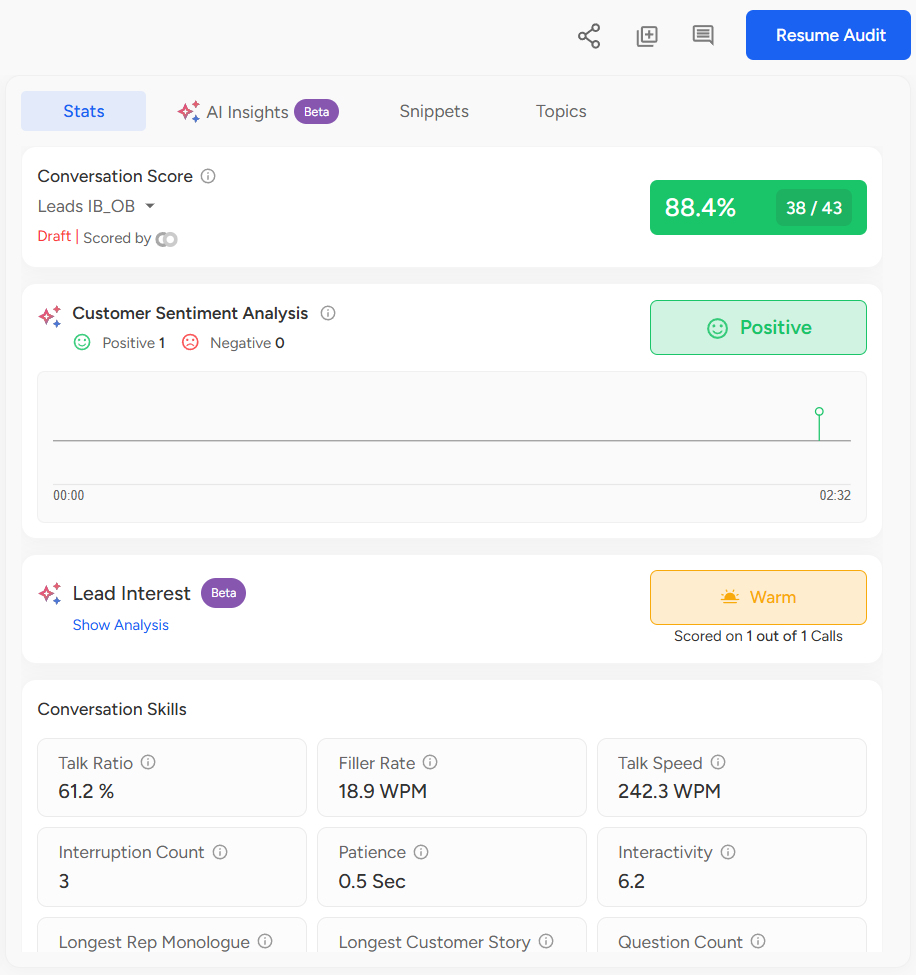
The Draft Audit status can be viewed on the Conversation details page for any call where auditors have started the audit but not yet completed it.
- On this page, the draft status appears in the Stats tab under the Call Score section.
Along with the auditor details, the call status will display as "Draft", indicating that the audit form has unsaved responses.
Need Additional Assistance?
📩 Still need help? Contact our support team at [email protected] —we’re happy to assist!
Good day!