
The filter in the Accounts dashboard display only the most relevant data.
Data is filtered based on the selected criteria, enabling you to focus on specific areas of your dataset for more effective analysis.
Filters for the Accounts Dashboard can be accessed from the accounts page on the navigation bar.

Click on the "Accounts" icon, and the user will find the "Filters" option to the extreme right of the dashboard. Click on "Filters"

The extensive list of filters will show up on the dashboard.
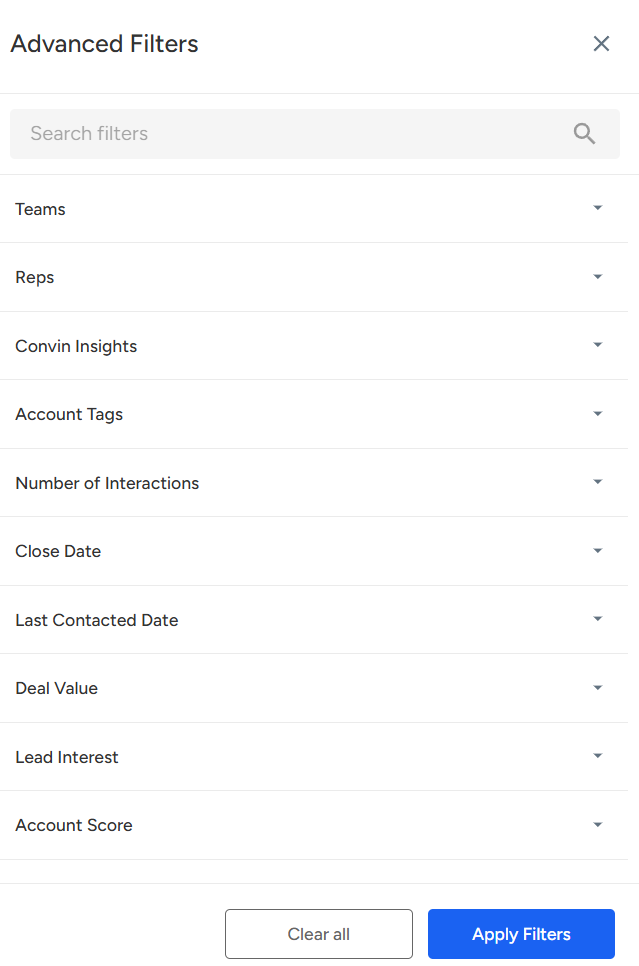
The Accounts Dashboard lets you filter data based on selected criteria, helping you focus on specific areas for better analysis. Access filters from the Accounts page, select the Filters option on the right, and apply them as needed. For further help, contact us at [email protected].
📩 Still need help? Contact our support team at [email protected] —we’re happy to assist!
Good day!