
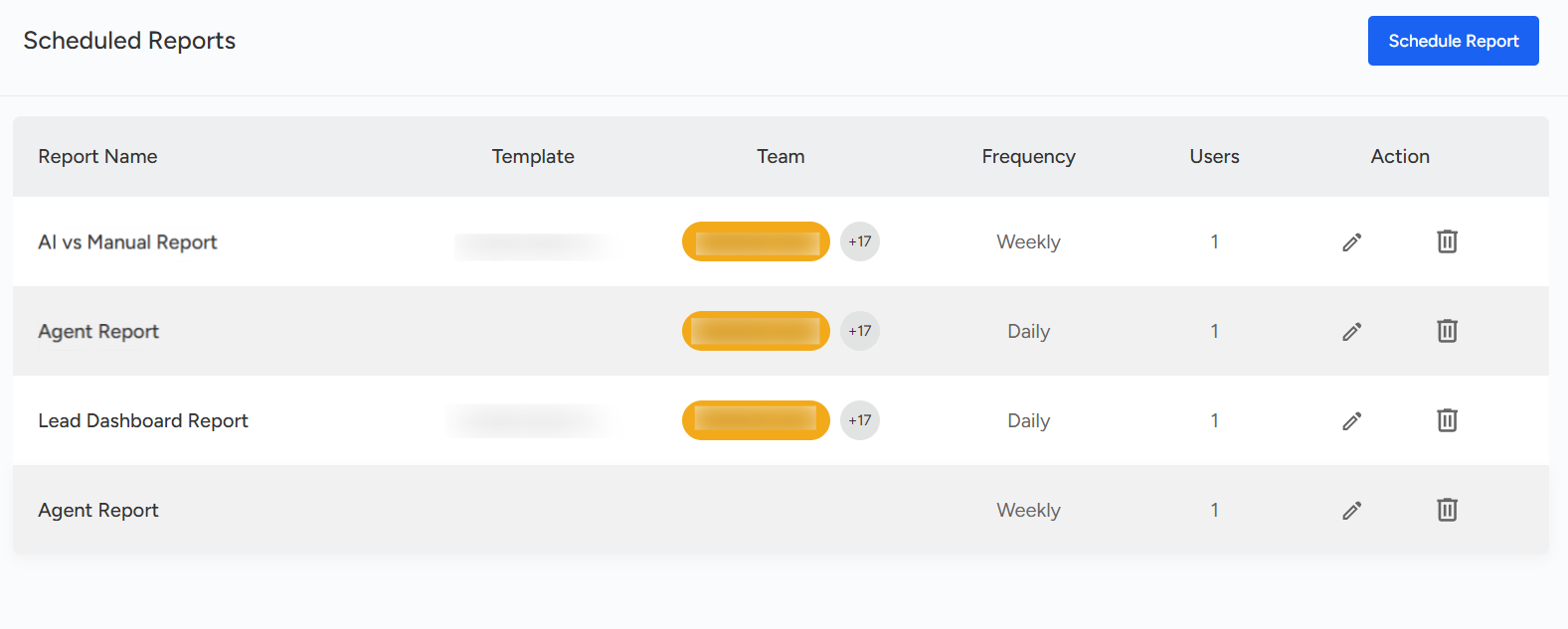
All scheduled reports from the Analytics Dashboard can be viewed in the Scheduled Reports settings.
To access the Scheduled Reports option, follow the steps below:
- Go to the Settings page of the Convin Dashboard.

- Click on "Product Settings" and navigate to "Scheduled Reports" to manage your scheduled reports.
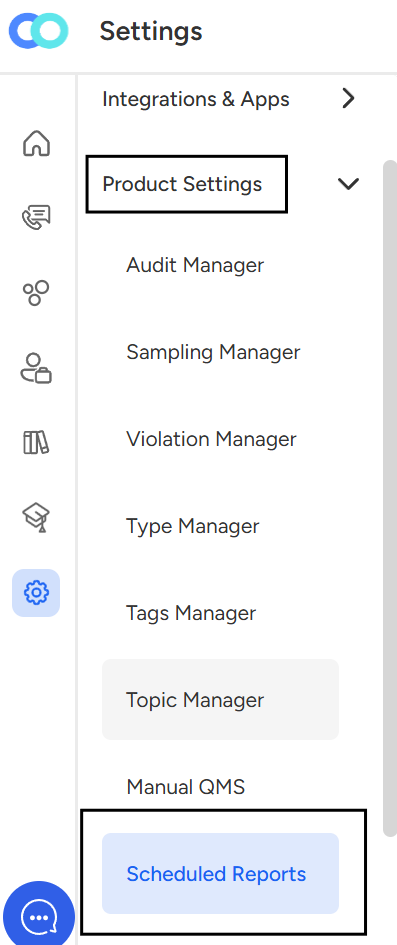
- Click on "Scheduled Reports"
📩 Still need help? Contact our support team at [email protected] —we’re happy to assist!
Good day!