
The User Profile in Convin lets users view and manage their Primary Details, including Contact Information, Role, and Organizational Data, all in one place.
To access the "User Profile" option, follow the steps mentioned below:
After logging into the Convin Dashboard, users will see their first name initial displayed inside a circular button in the top-right corner.

Click on the profile icon to open a drop-down menu with two options: "My Profile" and "Logout".
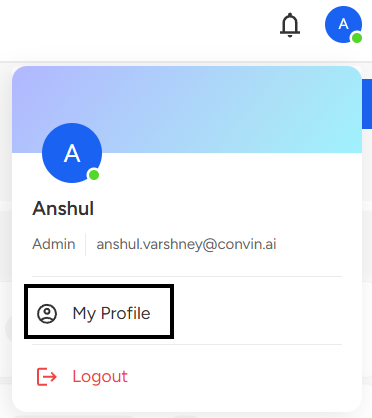
Select "My Profile" to proceed.
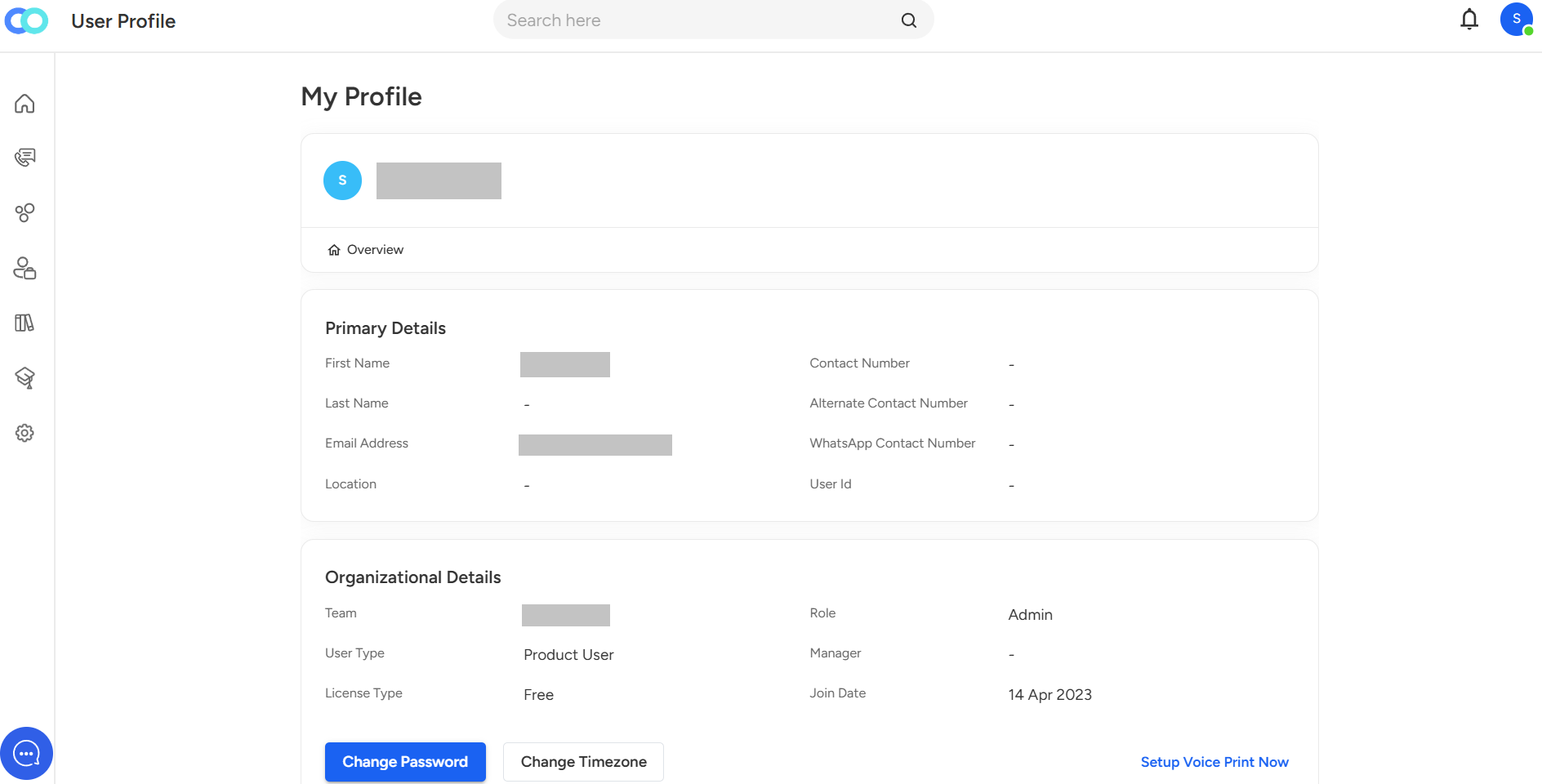
Here, users can update their password and set their preferred time zone in their account settings.
📩 Still need help? Contact our support team at [email protected] —we’re happy to assist!
Good day!