
The Topic Manager, available under Settings in the Convin Dashboard, allows you to identify keywords and phrases within your recorded meetings. This feature is particularly useful for tracking specific areas of interest across all your conversations.
To learn more about what Topics are and how to filter them in your recorded meetings, please refer to the article titled "What are the Topics in Convin?"
To access the Call Tags Manager option, simply follow these steps:
Navigate to the Settings section within the Convin Dashboard.

Navigate to Product Settings, then click on Topic Manager.
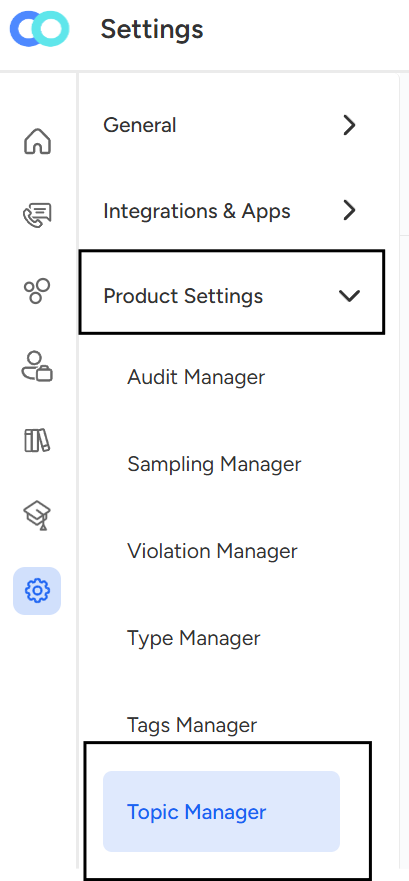
Click on "Topic Manager"
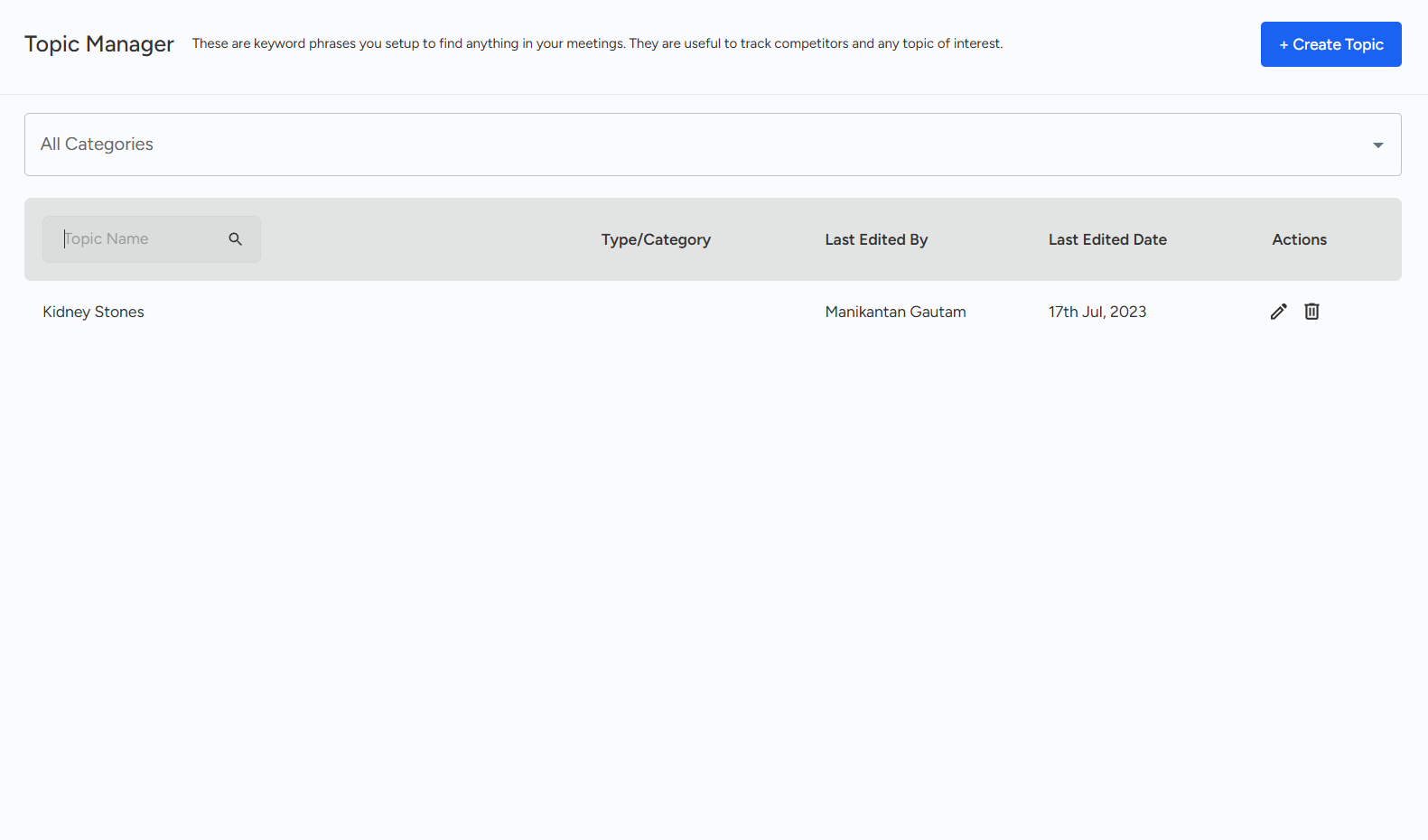
Click on "Create Topic."
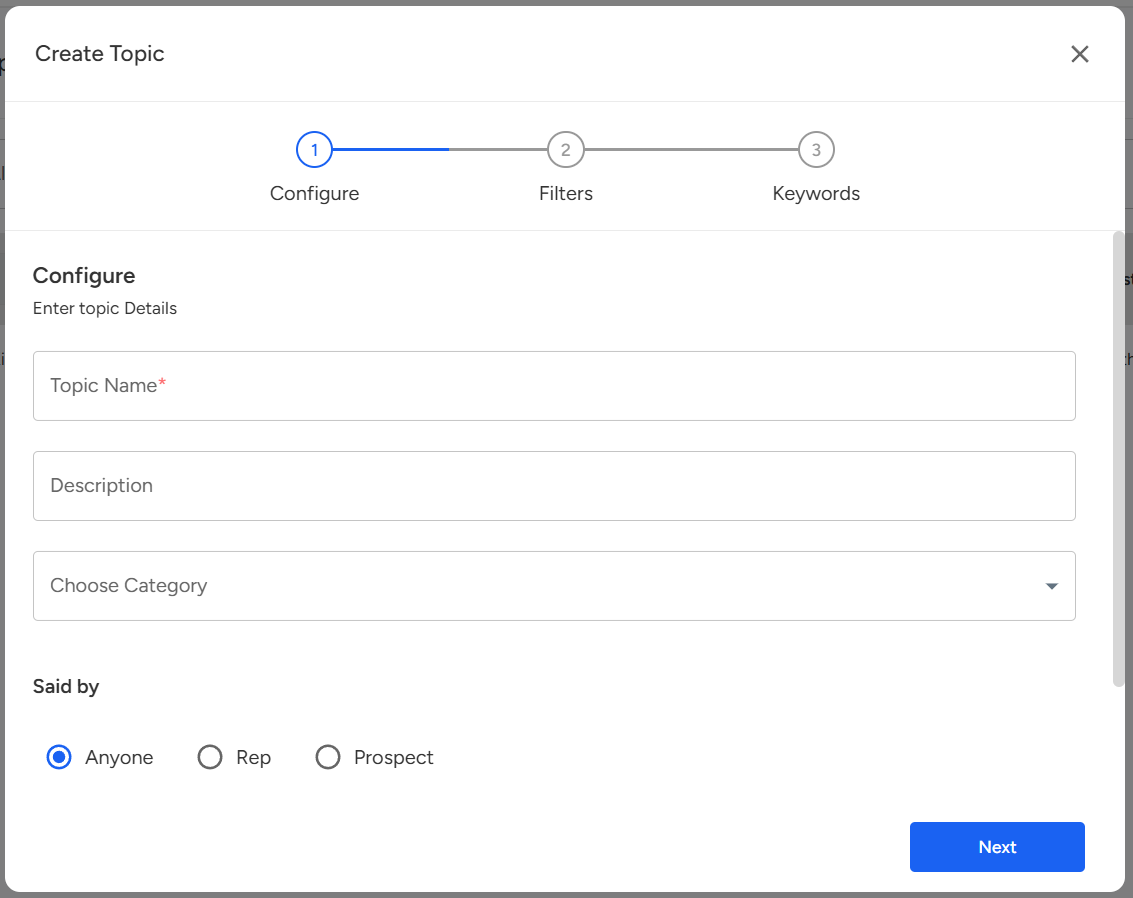
Users can add Keywords/Phrases according to their requirements.
Once we click on create, we can view the details in the topic manager.
📩 Still need help? Contact our support team at [email protected] —we’re happy to assist!
Good day!