
The Conversation Tags Manager helps you organize and label your customer conversations using customizable tags. These tags make it easy to filter, track, and analyze calls based on topics, outcomes, or any other important criteria, giving you quick insights.
To access the "Tags Manager" option, follow the steps mentioned below:
- Navigate to the Settings section within your Convin Dashboard.

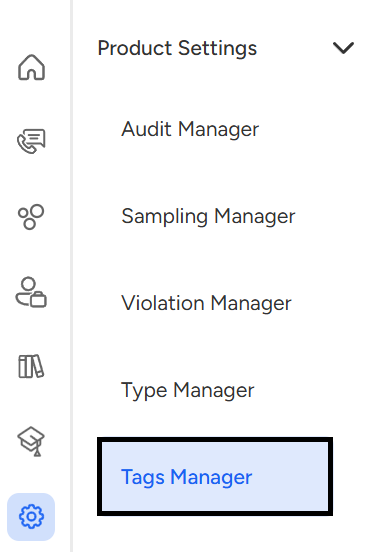
- Navigate to "Product Settings" and click on "Tags Manager".
- You will be redirected to the Tags Manager Page. The different "call tags" will appear on your screen. These tags help you quickly identify key topics, call outcomes, or customer sentiments.
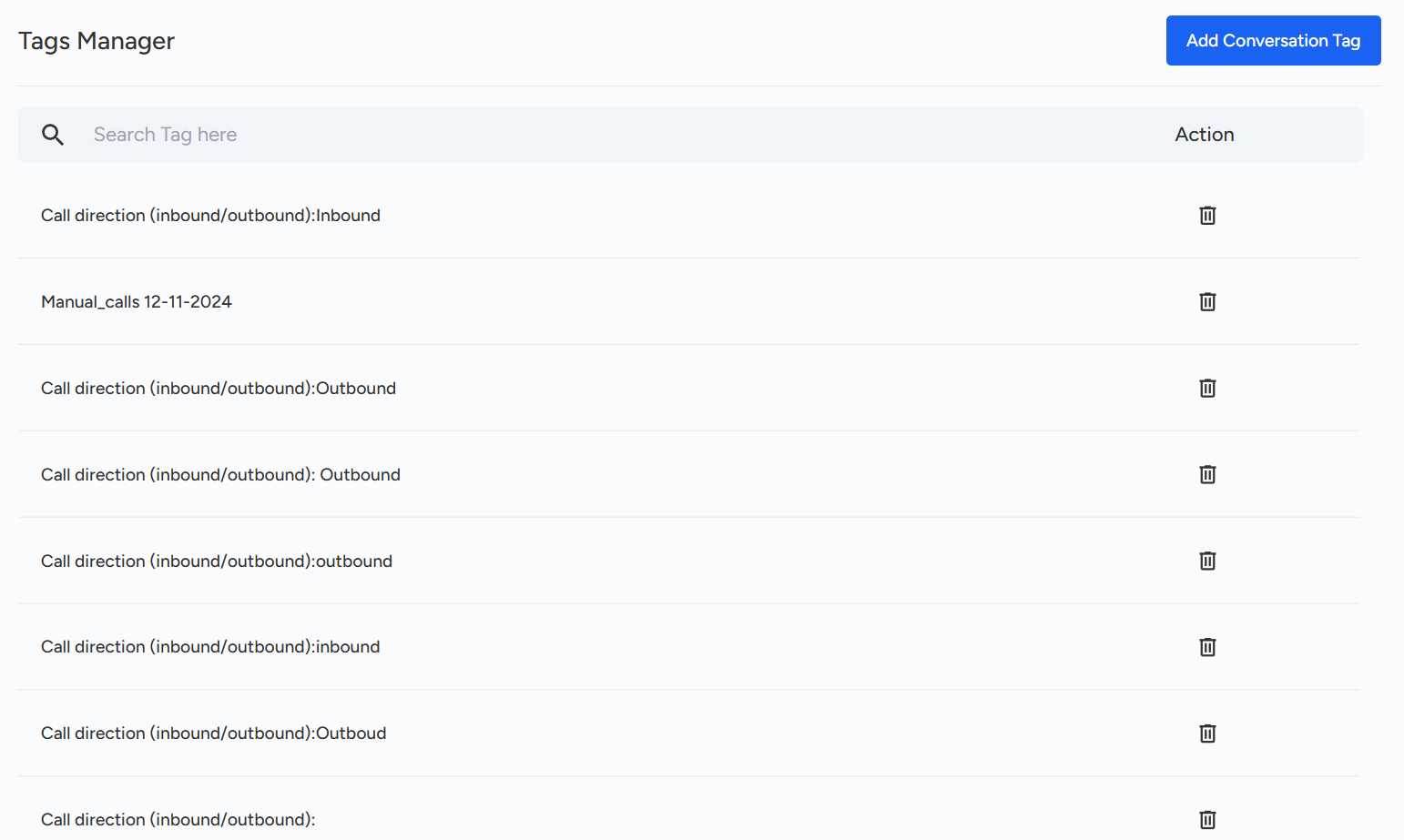
The Conversation Tags Manager in Convin allows you to create and manage tags to organize customer conversations by topics, outcomes, or sentiments. These tags make it easy to filter and analyze calls for deeper insights.
📩 Still need help? Contact our support team at [email protected] —we’re happy to assist!
Good day!