
Accessibility of coaching assigned to team members allows Team Leads to monitor progress, provide additional support when needed, and ensure alignment between the agent's development goals and team objectives. Team members, in turn, can actively track and complete their coaching tasks to improve their skills and meet performance expectations.
To access the team's coaching:
Navigate to the "Coaching" module.

You'll land on a page displaying your team's data.
For Team Leads: Tabs visible – Stats and Assigned Sessions
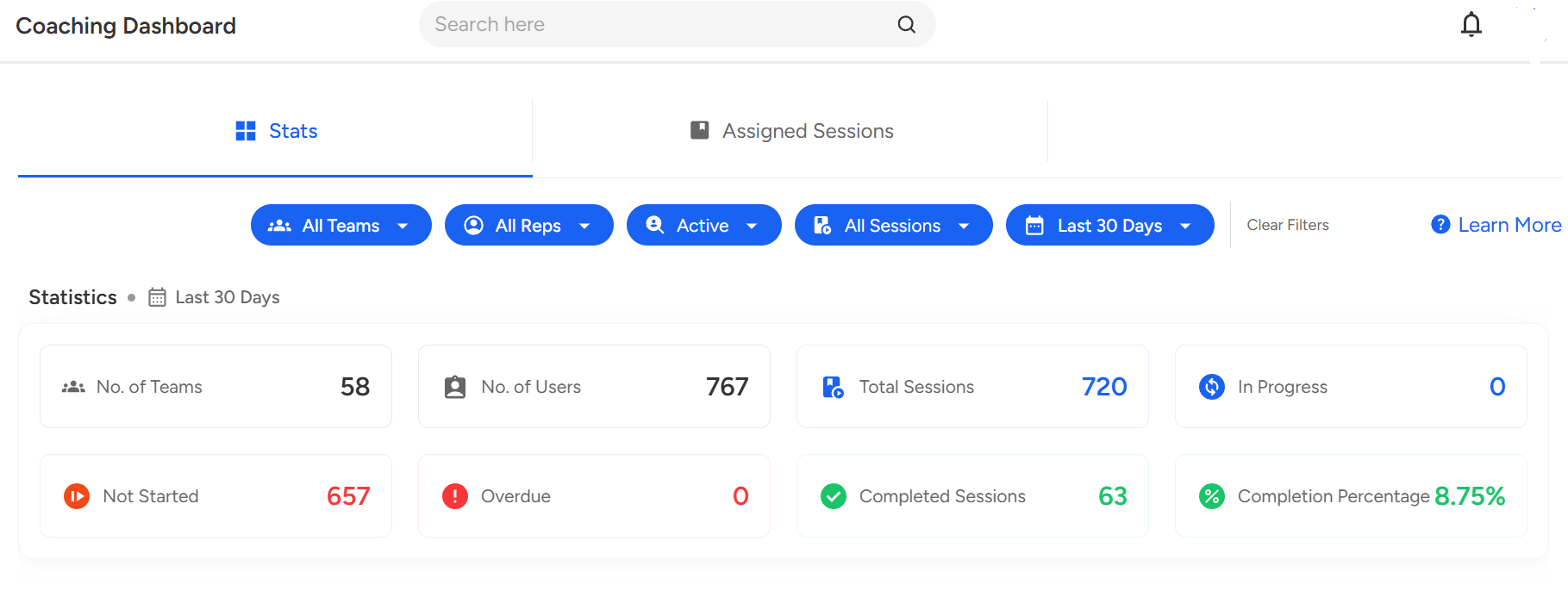
For Team Members: Tabs visible – Stats and My Tasks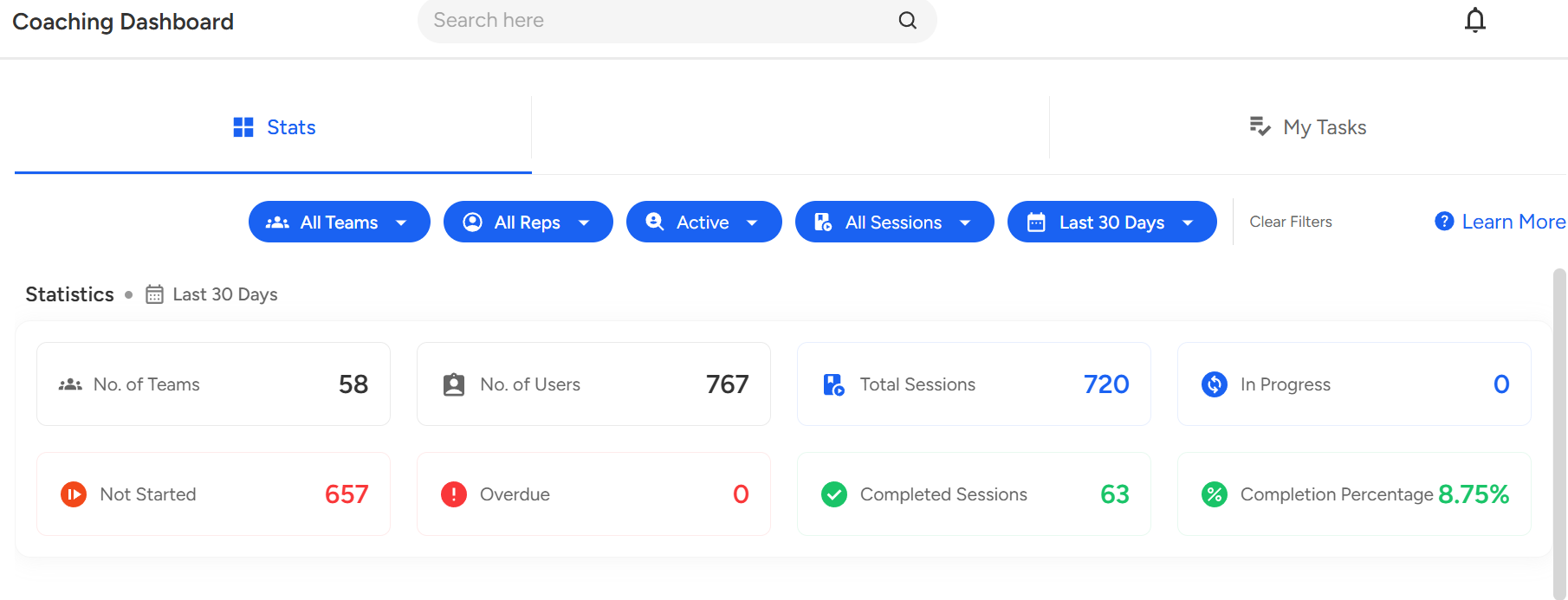
To see your team's Leaderboard, scroll down the page.
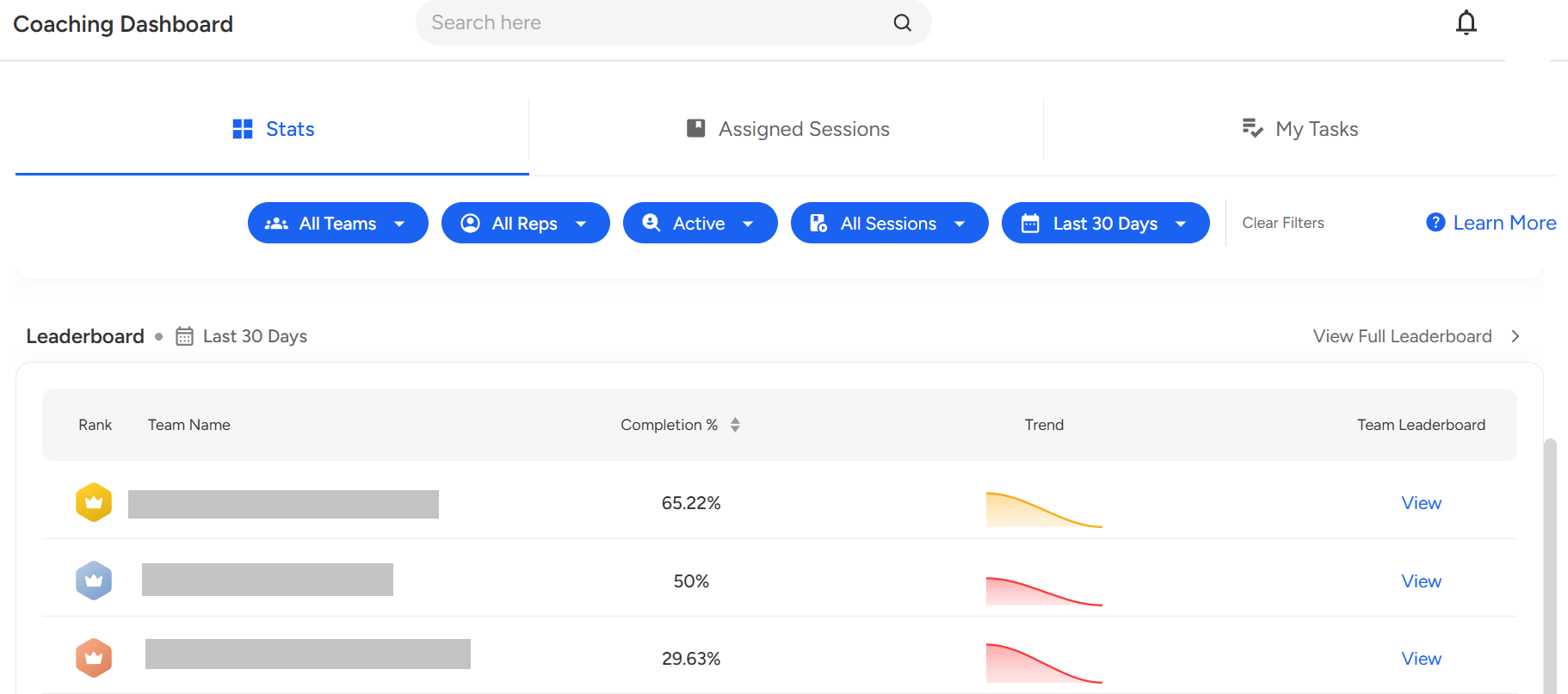
You can apply filters to refine your search, like selecting a specific team, team member, agent active status or choosing a date range for assigned coaching sessions.

- To check the data you can click on the "View" button for a particular team from the leaderboard.

Once you've selected a team, their data will be displayed.
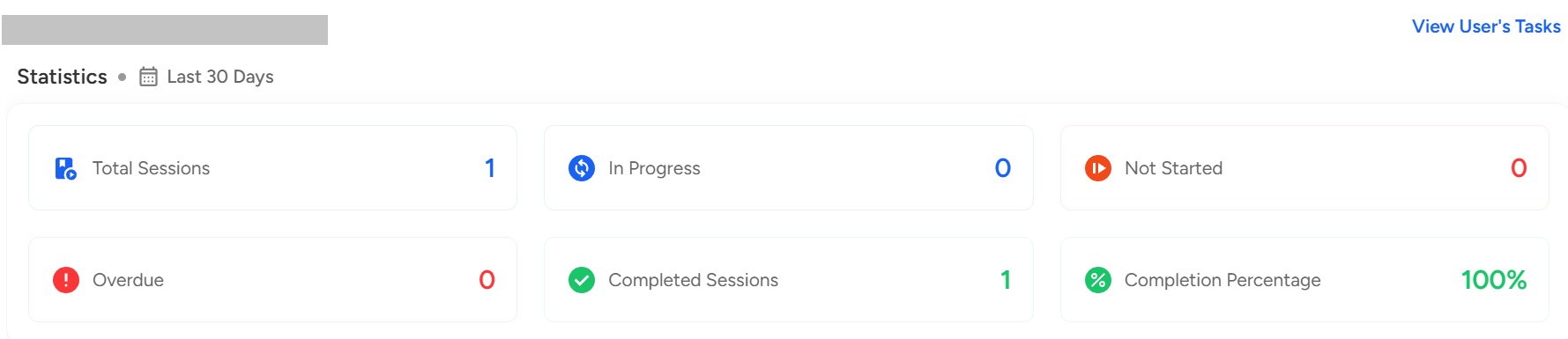
To assign an Coaching session or Assessment, click on "Assign New Session".
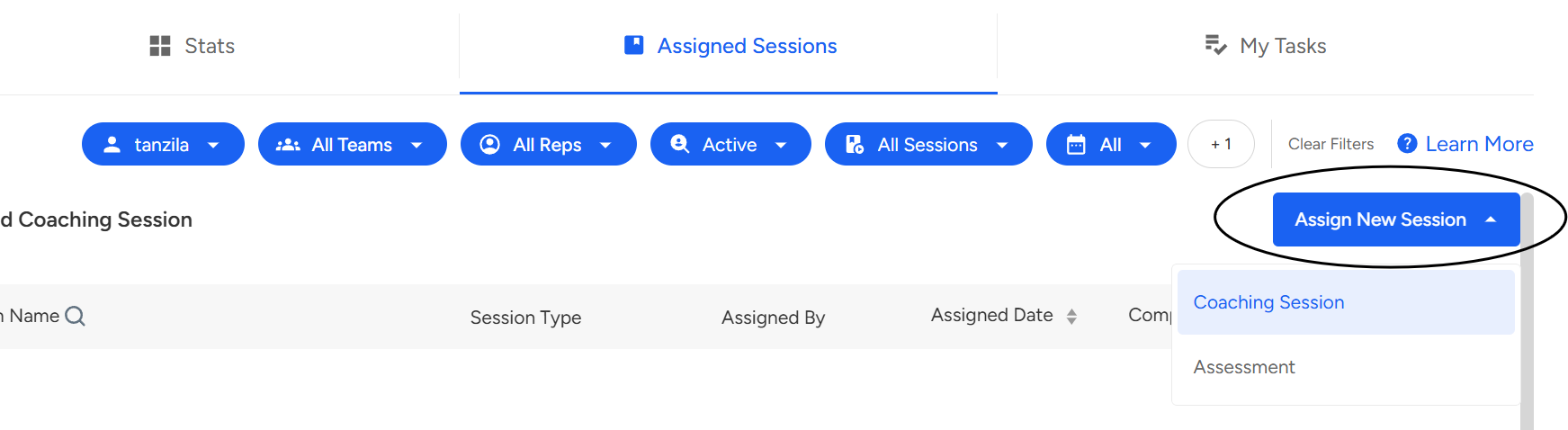
To view the coaching assigned to the agent, click on "Assigned Sessions" Assigned coaching will be listed there.
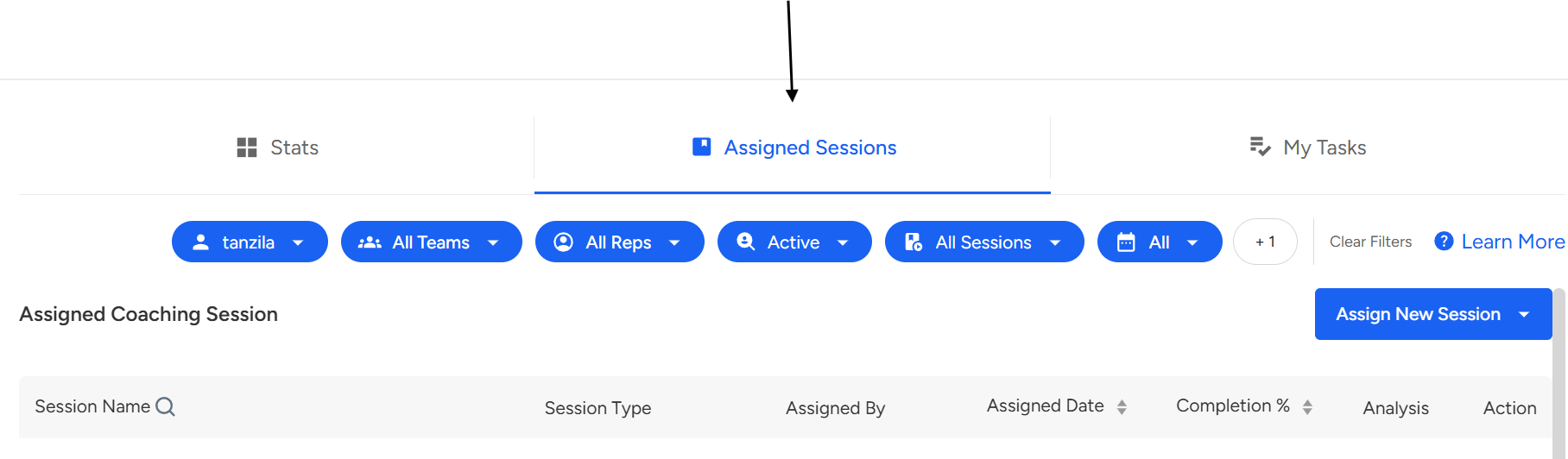
- To view assigned tasks team members can, click on "My Tasks" and view their tasks and complete their tasks

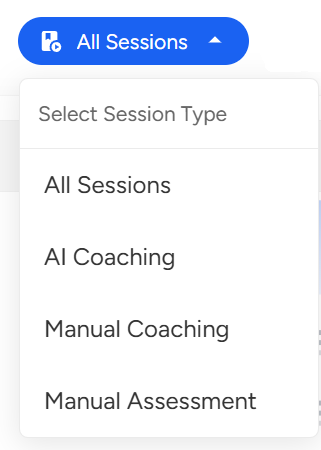
- To check Sessions type team members can, click on "All Sessions" and view the type.
Note: Kindly note that only agents are permitted to complete the coaching sessions assigned to them. Team Leaders, Managers, or Auditors are not authorized to undertake coaching sessions designated for agents.
📩 Still need help? Contact our support team at [email protected] —we’re happy to assist!
Good day!