
The Accounts Detail Page provides a comprehensive overview of a specific account, allowing users to access all relevant information in one place and analyze the quality of conversations associated with that account effectively.
To access the Account page follow below steps:
- Simply navigate to the Account option from the main menu on your Convin Dashboard.

- A similar dashboard view will be visible once you navigate to the Account menu.
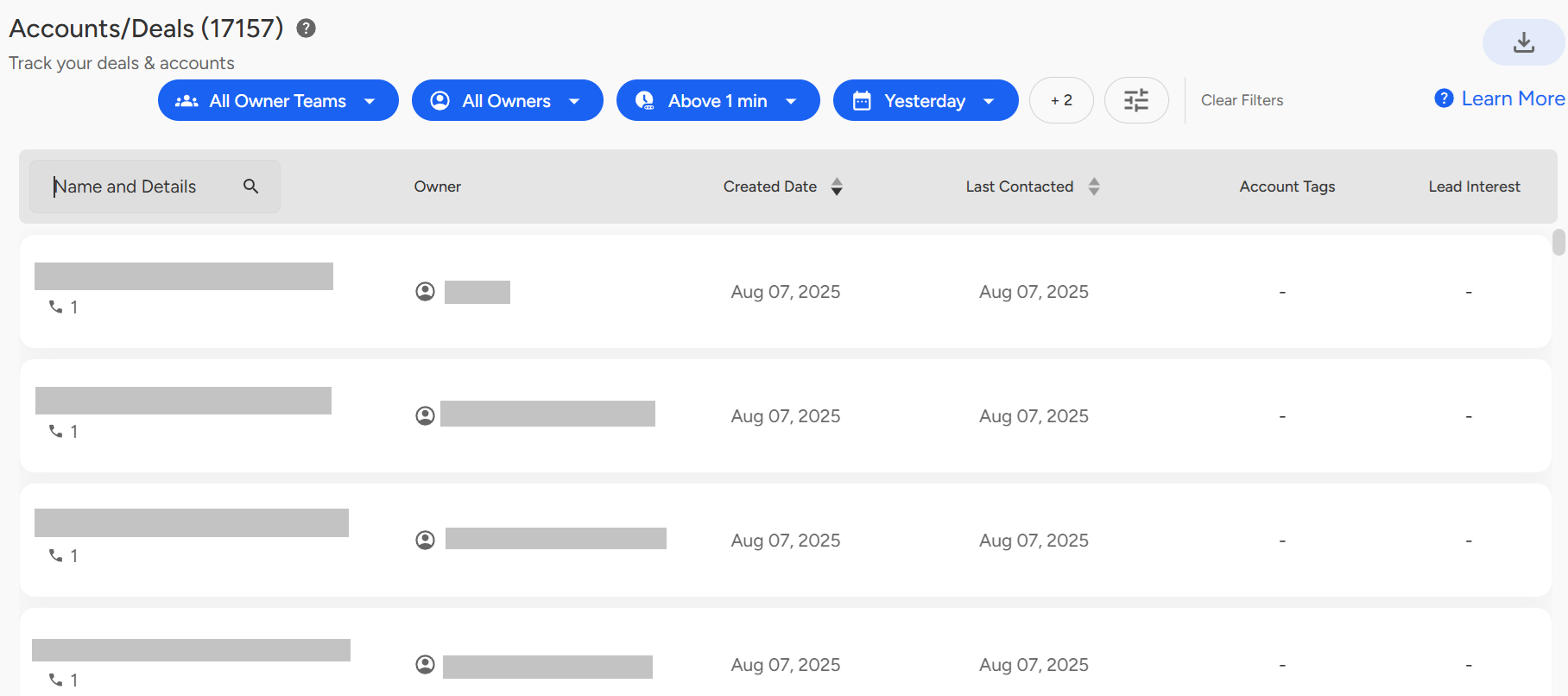
- Let’s select an account to begin the analysis. If available, you can review the overall Account AI Score, which represents a consolidated metric derived from all call responses associated with that account.
- Click on the first account in the list to explore its conversations and detailed analysis.
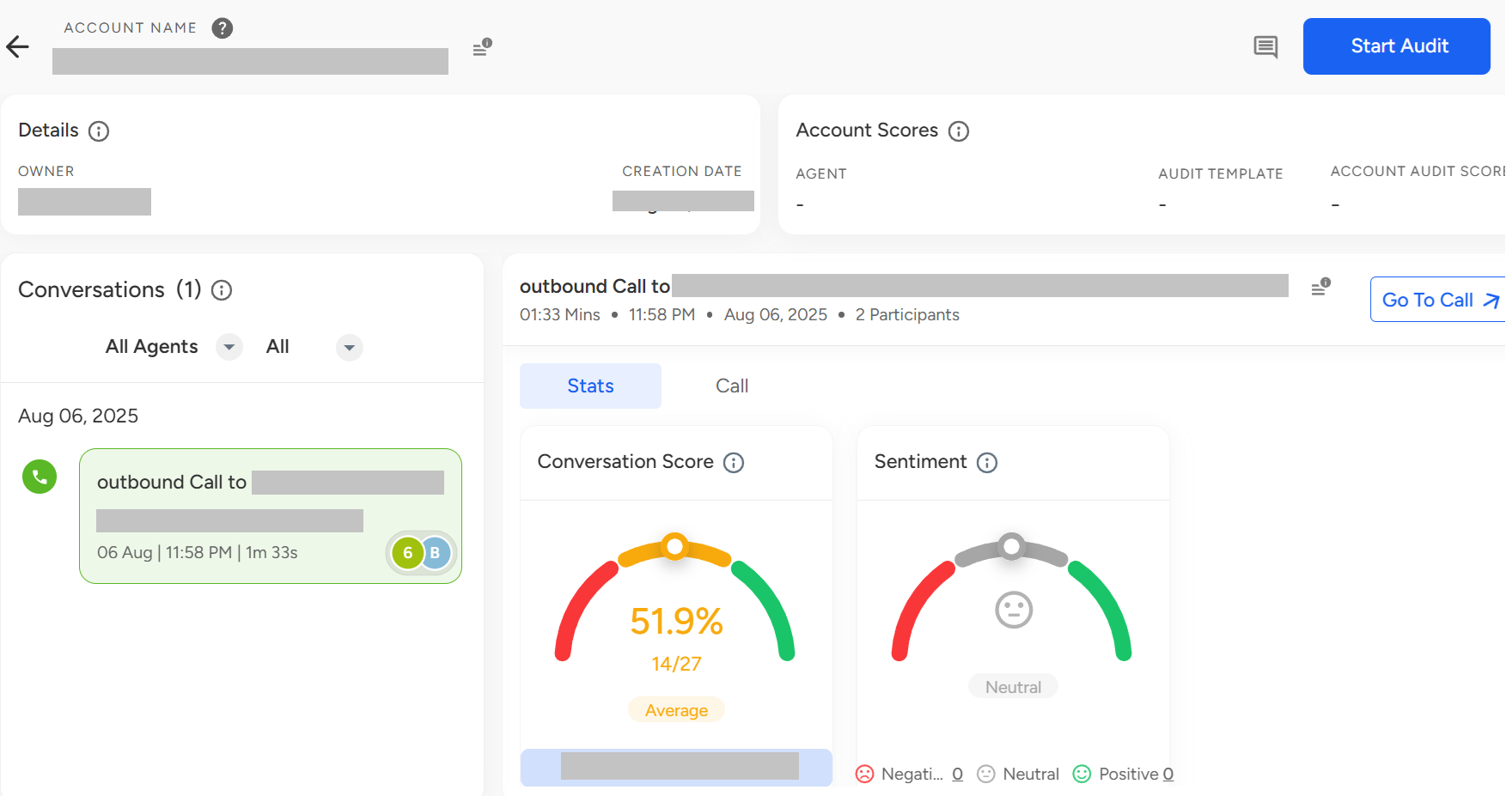
The image above displays the individual Account View, which appears when a user clicks on a specific account from the dashboard.
It features an Account Timeline, allowing users to track all conversations associated with the account over time.
Users can review account-level topic discussions, helping them understand key themes and concerns raised.
If an agent has conducted multiple calls with the same account, users can select and analyze individual calls from the list.
There's also a “Go to Call” button that enables users to quickly navigate to the full call list page for deeper exploration.
Managers and auditors can provide valuable feedback by adding their comments at the account level using the dedicated Comments section, ensuring better collaboration, accountability, and context sharing across teams.
📩 Still need help? Contact our support team at [email protected] —we’re happy to assist!
Good day!