
Client Name allows you to filter conversations or datasets based on a specific client. By selecting a client from the list, you can quickly view and analyze only the interactions associated with that client, making it easier to track performance, issues, or insights at the client level.
To access the Conversation page, follow below steps:
- Navigate to the Conversation Page:

On the Conversation page, click "Filters" to access advanced filtering options.

After opening the Advanced Filter, go to the "Client" option.
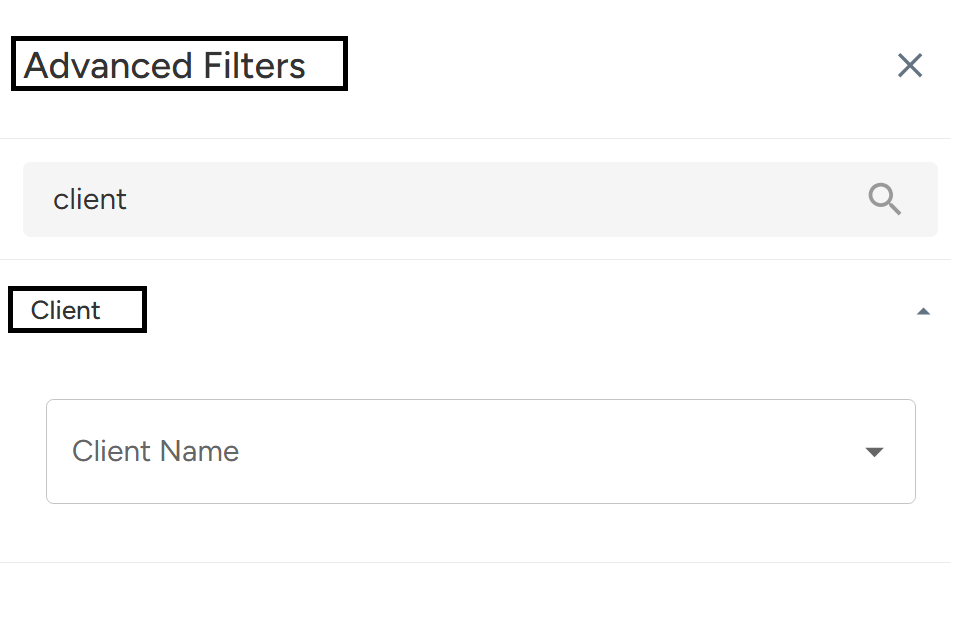
Click on "Apply Filter". This will display the filtered results, allowing you to view the conversations or meetings related to that particular client, making it easier to track and manage interactions specific to the client.

Use the Client Name filter to narrow down conversations linked to a particular client. This makes it simple to analyze client-specific performance, issues, or insights. Just open the Conversation page, go to Filters, choose a client, and apply the filter to view targeted results.
Need Additional Assistance?
📩 Still need help? Contact our support team at [email protected] —we’re happy to assist!
Good day!