
AI Insights offers prompt insights into conversations, highlighting areas of proficiency and opportunities for improvement while providing guidance for future actions.
To access AI Feedback for a conversation, follow these steps:
1. Navigate to the "Conversations" dashboard.

2. Select the desired conversation card to open it.
3. Locate the navigation bar on the right side where the "Stats" option is selected.
4. Select the "AI Insights" option.

5. Based on the conversation data, AI Insight will offer suggestions categorized into three areas:

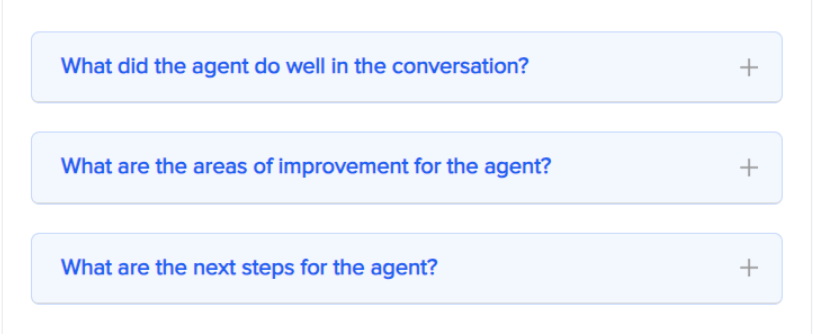
What did the agent do well in the conversation?
Highlight areas appropriately handled by the agent.
Identify and encourage winning behavior.
Send targeted agent feedback.
What are the areas of improvement for the agent?
Pinpoint areas of concern that impact customer experience.
Avoid losing potential sales opportunities.
Instantly identify high and low performance.
What are the next steps for the agent?
Automatically assign agents the next logical steps.
Ensure customers receive the seamless experience they
deserve.
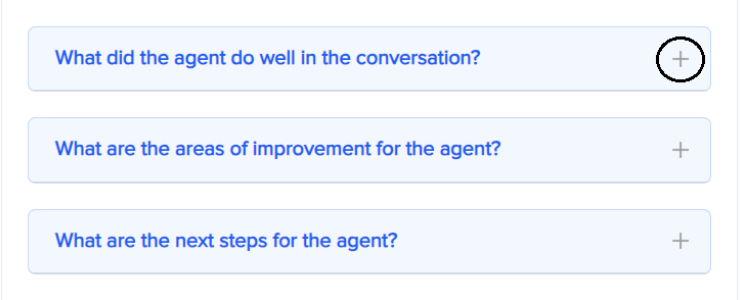
6. To view the suggestions provided by AI, click on the + icon.
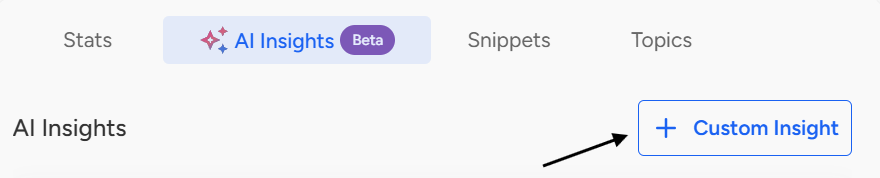
7. To create a Custom Insight, click on the “Custom Insight” icon located at the top-right corner of the page.
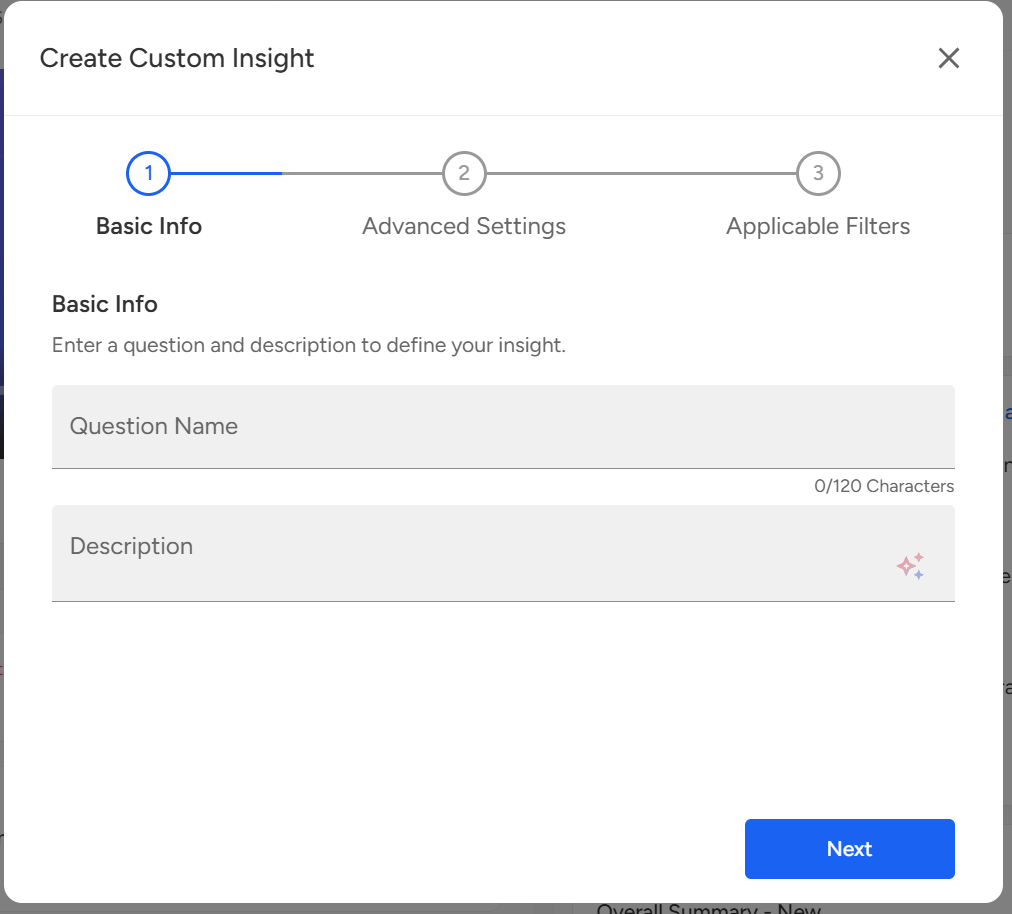
Once you click on the “Custom Insight” icon, the Create Custom Insight page will appear. You can then enter the Question Name and provide a relevant Description as needed. This description will act as a prompt to AI, based on which it will capture the result for the question.
Note: Once you create a Custom Insight, it will be marked with a “Custom Insight” tag for easy identification. This tag will not be visible for default (system-generated) insights.
📩 Still need help? Contact our support team at [email protected]—we’re happy to assist!
Good day!