
Convin's AI-driven process utilizes automated systems to analyze and score calls according to predefined parameters. In contrast, manual auditing requires auditors to listen to calls and make assessments based on established criteria.
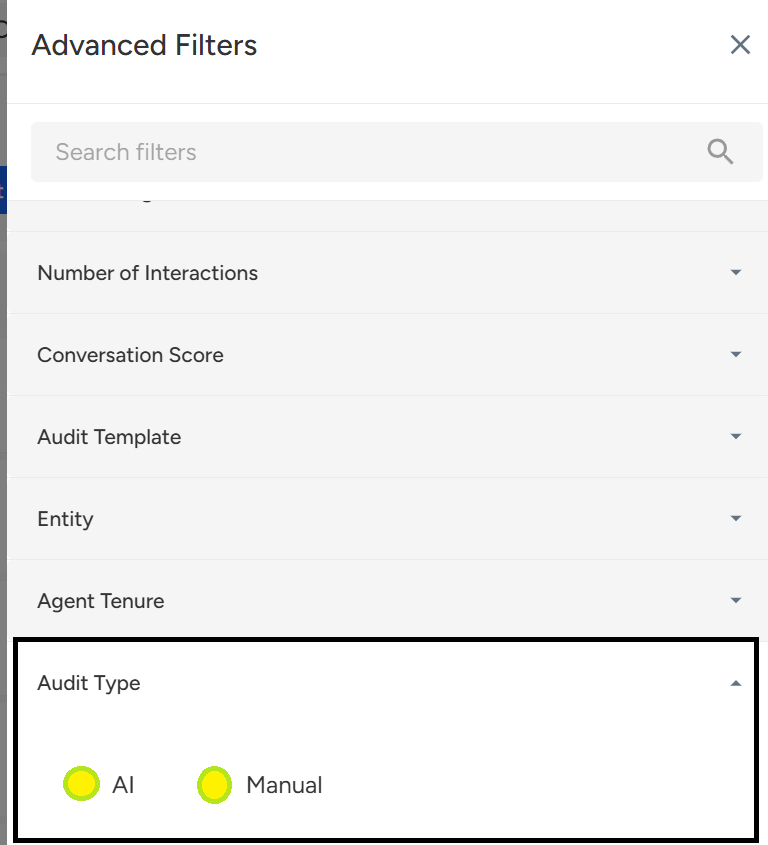
Calls can be filtered out on the basis of Audit type. To access it, follow the below-mentioned steps:
1. Go to the Conversations page.

2. Click on the Filter button.

3. Select the "Audit Type" as AI or Manual.
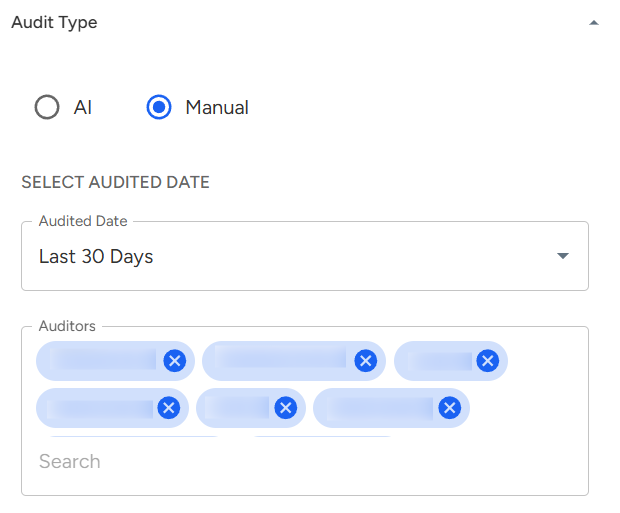
Note: In case of Manual Audit, one can perform more advanced filter while
- Selecting a particular date range
- Selecting an Auditor
4. Click on the "Apply Filter" button.

📩 Still need help? Contact our support team at [email protected] —we’re happy to assist!
Good day!