
Conversation Score plays a crucial role in determining how well an agent is performing with respect to a particular template. In Convin, the conversation score is calculated either using AI or manually by auditors, if needed. It evaluates how well an agent meets the different parameters, based on the assigned weightage for each response.
Users can find the Conversation Score on the Conversations Page for every processed call.
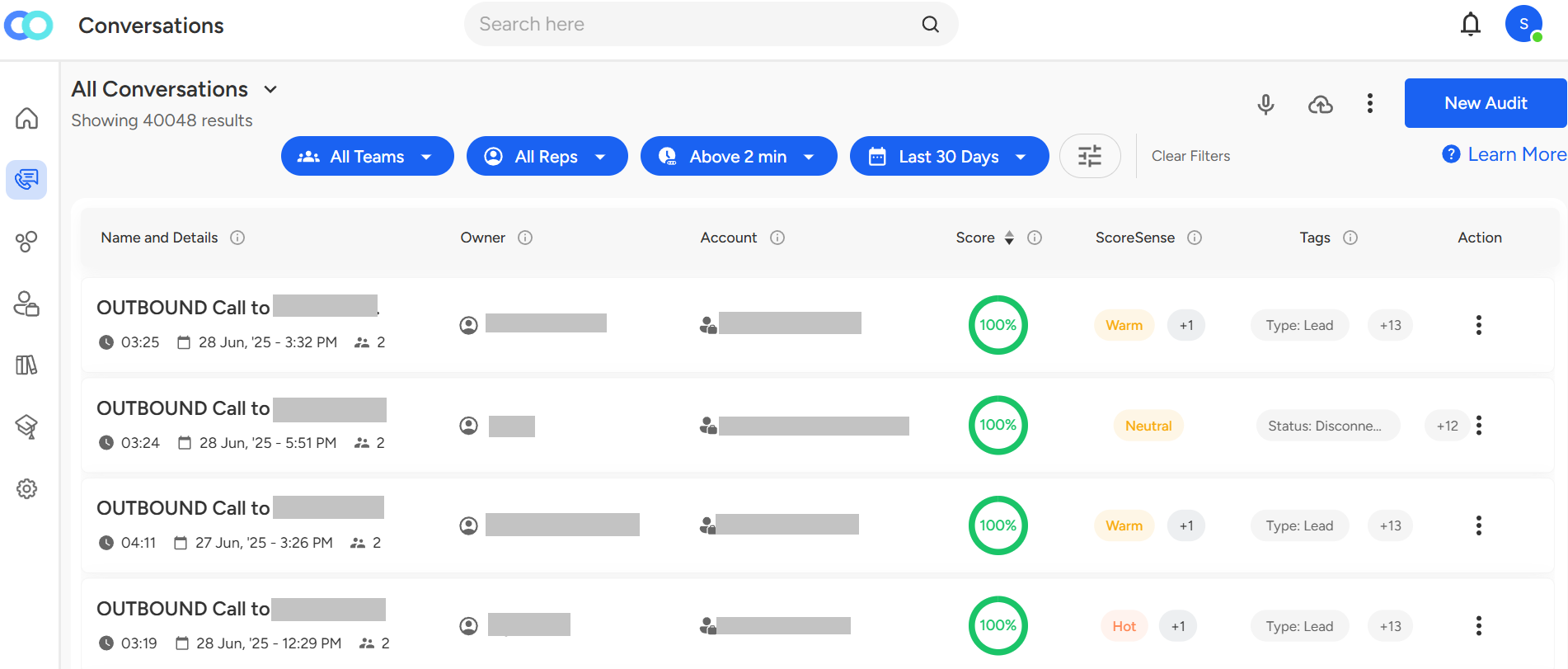
One can also select the Conversation Score category — Good, Average, and Need Attention — to filter conversations based on specific call score classifications.
To filter calls based on Conversation Score, follow the steps below:
Go to the Conversations page.

Click on the "Filter" button.

Select Conversation Score.
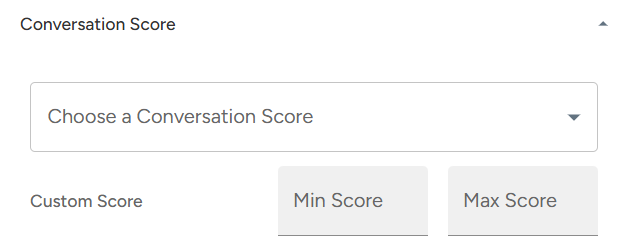
In Select Score drop-down, select the desired score category.
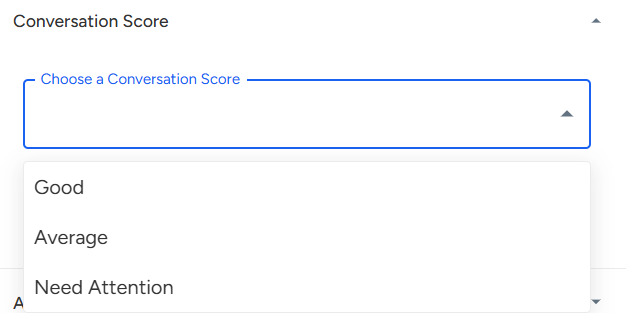
After selecting the desired category, click on the "Apply Filter" button.

Note: If a user wants to narrow down calls based on specific score requirements, you can specify the "Min Score" and "Max Score" in the Custom Score fields.

📩 Still need help? Contact our support team at [email protected] —we’re happy to assist!
Good day!